01
Select the meaning of the text
Start with decimal 0.1 and binary32. Selecting hex changes how the current text is read; it does not convert the text. Paste a complete word, with its most significant bit on the left.
Numbers, Bitwise & Units
Compare the exact decimal input with its stored value, or decode a complete hexadecimal or binary word.
Your input is processed in this browser and is not sent to a server.
Decimal uses a dot and optional e/E exponent. Hex requires 8/16 digits; binary requires 32/64 bits. Raw words allow 0x/0b and spaces or tabs.
Decimal display · 9 / 17 significant digits
0.100000001
Normal
0.100000001490116119384765625
0.000000001490116119384765625
Decimal rounds directly to the selected format: nearest, ties to even. Changing precision or representation reinterprets the current text. Limit: 1024 characters; explicit decimal exponent −4096…4096.
Inspection ready.
An IEEE 754 converter is useful when a debugger shows 0.1 but a comparison fails. The short decimal display conceals the stored fraction; open the exact expansion and compare its signed error with the original input.
This floating point converter keeps the mathematical value separate from its encoded word. Use decimal to IEEE 754 for a new value, or read a captured hex pattern without normalizing its NaN payload.
The IEEE 754 converter rounds the exact decimal target separately for each precision. For 0.1, binary32 stores 0.100000001490116119384765625; binary64 is closer but still not exact. The signed difference tells you whether the stored value lies above or below your target.
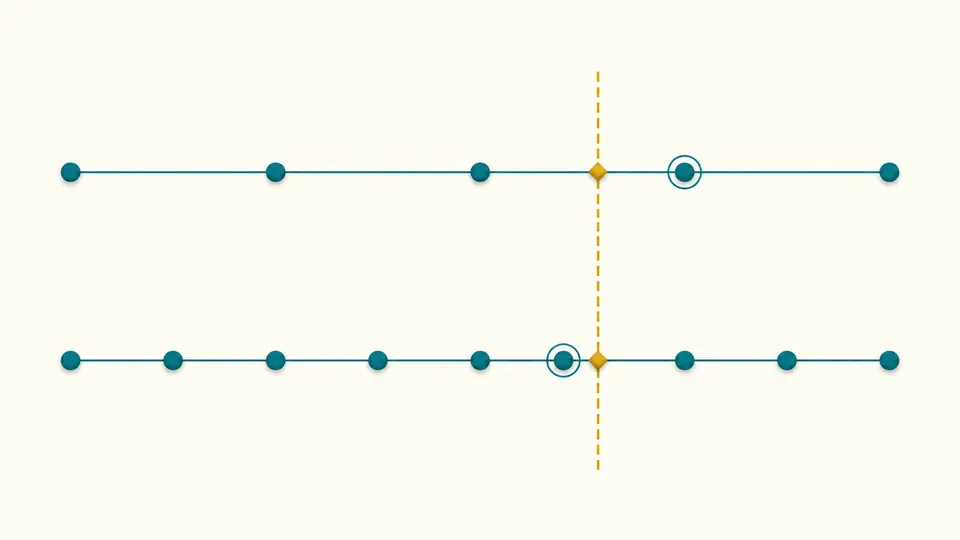
A register dump may contain 7FC00001 or 7FC00002. Both are quiet NaNs, yet their payloads are 1 and 2. Reading the original word preserves that distinction, together with its sign and quiet bit, instead of replacing every NaN with one encoding.
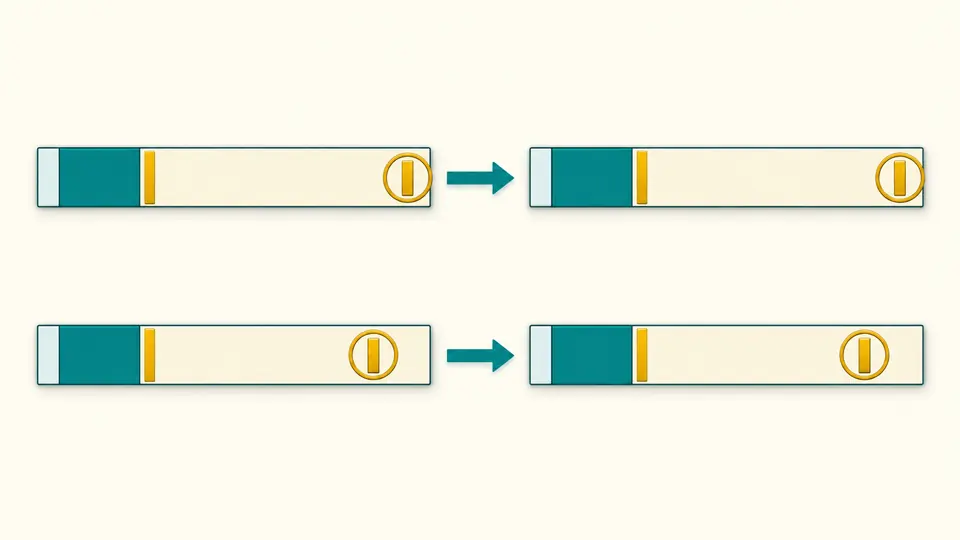
Start with decimal 0.1 and binary32. Selecting hex changes how the current text is read; it does not convert the text. Paste a complete word, with its most significant bit on the left.
The compact display uses 9 significant digits for binary32 or 17 for binary64. Expand the exact stored decimal to inspect every digit. Error is stored minus input, so a negative error means the stored value is smaller.
Example opens a preview with five choices, including negative zero and a payload-bearing NaN. Apply changes the input; Undo restores it and its result. Automatic mode waits 350 ms; switch it off for Inspect or Ctrl/Cmd + Enter.
The bit diagram groups 1/8/23 bits for binary32 and 1/11/52 for binary64. Stored exponent, effective exponent and implicit leading bit are shown separately. Normal values use a leading 1, while subnormal values use 0.
The engine rounds a decimal rational directly to the target significand, avoiding a decimal → double → float detour. A value just above the binary32 midpoint 1.000000059604644775390625 therefore selects the next float even when Number would first collapse it to the midpoint.
Float to hex and hex to float share this page. Binary and hex outputs preserve every bit, including signaling NaNs. Copy either word or export a report with the input, precision, fields, exact decimal and rounding error for a reproducible check.
A finite binary fraction has a denominator that is a power of two. One tenth also needs a factor of five, so its binary expansion repeats. The selected format keeps a finite significand and rounds the rest. View the full exact decimal to see the approximation instead of relying on a short display.
Binary32 has 23 stored fraction bits and an implicit bit for normal values; binary64 has 52 plus the implicit bit. Their exponent fields are 8 and 11 bits. Double precision offers finer spacing and a wider range, but values such as 0.1 remain inexact in either format.
Choose hexadecimal input and the matching precision, then paste the full word. For example, 3F800000 in binary32 gives exactly 1. This reinterprets the word as floating point; it does not convert the hexadecimal integer 1065353216 into a floating-point number.
A stored exponent of zero with a nonzero fraction identifies a subnormal. The leading bit is zero and the effective exponent is −126 for binary32 or −1022 for binary64. This fills the gap toward zero gradually; a zero fraction instead represents signed zero.
An all-ones exponent with a zero fraction is Infinity; a nonzero fraction is NaN. Signed zero has a zero exponent and fraction but retains the sign bit. For NaN, the separate quiet bit and payload fields explain why different words can belong to the same value class.
Something looks wrong?
Use the IEEE 754 converter to check a captured word or a difficult decimal boundary. Change one input at a time, then copy the report when the current result is ready.