01
Choose a mode for the actual field
Domain requires two labels. Hostname accepts a local label such as printer. FQDN here checks an explicit final root dot and also accepts com.; it does not assume that a DNS search suffix will be added.
DNS & Domains
Check bare names, one per line. Choose the rule set before interpreting the result.
Names are checked in this browser; no DNS lookup or visit to the entered domain is made.
At least two labels; a final dot is optional. No TLD list lookup.
UTS #46 nontransitional · STD3 · NFC · Bidi and joiner checks.
Up to 100 nonempty lines; 65,536 UTF-16 units total and 4,096 per line. JSON exports include invalid entries.
Open Punycode / IDN converterInput or mode changed. Validate again before exporting.
A Domain name validator helps when a configuration rejects a name that looks ordinary. A dot, a hidden joiner or the encoded length of an accented label can be the cause. Compare the original spelling with the normalized ASCII name, then follow the reported line and label back to the input.
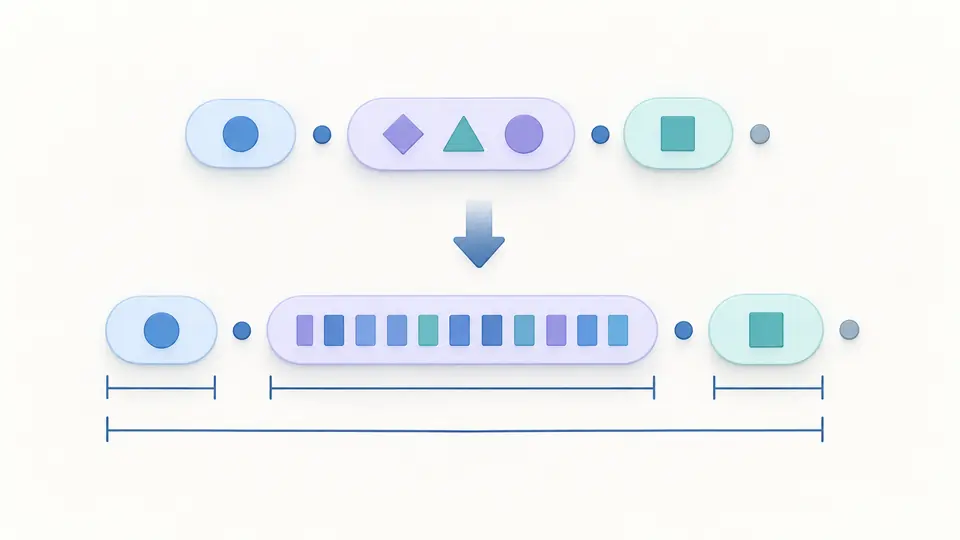
The Domain name validator measures each label after IDN conversion. A short Unicode label can become a longer xn-- label; the report shows that expansion alongside the total DNS wire length. The optional root dot stays visible without consuming the 253-byte body allowance.
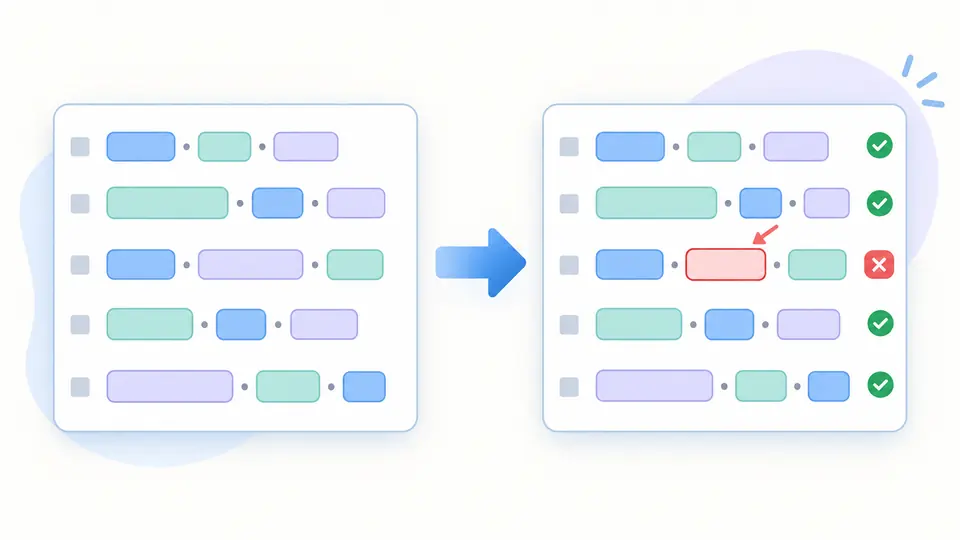
Batch checks preserve input order, duplicate entries and physical line numbers. One bad row does not hide the good ones. The JSON report includes both outcomes and stable diagnostic codes, so a review can retain the exact evidence instead of silently dropping rejected names.
Domain requires two labels. Hostname accepts a local label such as printer. FQDN here checks an explicit final root dot and also accepts com.; it does not assume that a DNS search suffix will be added.
Open the label details to compare the encoded parts. Fullwidth dots and case can be normalized, while ß is preserved by the nontransitional profile. Validation never replaces the text you pasted.
Turn automatic validation off to use Validate or Ctrl/Cmd + Enter. Editing immediately disables export until the new check completes. Examples and Clear preview the replacement count; Undo restores the previous input and report together.
IDN validation uses the same strict UTS #46 profile for Unicode names and existing xn-- names. It checks STD3 characters, hyphens, Bidi and joiner context. A malformed ACE label cannot pass just because its characters happen to be ASCII.
Each encoded label must contain 1–63 bytes. The dotted ASCII body is limited to 253 bytes and its uncompressed DNS wire representation to 255. These are different counts: the wire representation includes length octets and the terminating root octet.
Empty lines are ignored, but their line numbers remain accounted for. Up to 100 names share the selected mode. The domain syntax checker reports invalid names independently; the first 50 rows appear initially and Show more reveals the rest. Export always includes every row.
For this host/IDN profile, each encoded label is at most 63 ASCII bytes. The body with dots between labels can use 253 bytes, or 254 characters when the final root dot is included. The DNS wire form uses at most 255 bytes. Unicode character counts alone do not decide these limits.
Yes. A name such as 3com.example passes. Digits can also occupy an intermediate label. A multilabel name ending in an all-numeric label fails this profile; an IPv4 literal therefore does not pass as a hostname. Hostname mode permits a single local numeric label.
The final dot marks the DNS root and makes the name explicitly absolute. Domain and hostname modes permit it; the explicit FQDN mode requires it. Only one final dot is accepted. Dots between empty labels, as in a..example, remain errors.
Yes, in hostname mode. Domain mode deliberately requires at least two labels. Choosing hostname does not prove that localhost or printer resolves on your machine; local resolver and search-domain behavior are outside this report.
Browsers parse URLs and may apply different acceptance rules. This tool only checks a bare name using its published strict IDN profile. It does not remove a port or path, permit underscores, or test a connection. A browser loading something is evidence of a different operation, not a reason to hide a syntax failure.
Have another domain case to check?
Use the Domain name validator to inspect the actual encoded labels and keep a report of the names your configuration accepts or rejects.