01
Start with the strict default
Empty mode clears every assignment value. Placeholder mode writes a quoted literal instead; it is a reminder to supply a value, not a usable credential. Neither mode edits the source panel.
Configuration checks
Create a template from existing assignments, then review retained content before export.
Runs in your browser. Inputs stay in memory, without URLs, telemetry or local history.
Assignments: 5 · Cleared/replaced: 5 · Retained: 0 · Duplicates: 0 · Original comments: 2
Comments, descriptions and retained values can still contain secrets. Review all output; this tool does not certify it safe to commit.
An environment template explains which names a project expects without distributing your working configuration. The .env example generator starts by clearing every value, including numeric settings and repeated declarations. Choose exceptions explicitly after reviewing what your teammates need.
A regular expression that processes one line at a time can leave the rest of a multiline key behind. This tool parses quoted values as complete assignments before replacing them; malformed input stops the conversion instead of passing an unrecognized line into your example.
The .env example generator preserves variable names, order and every duplicate occurrence. An entire quoted multiline value becomes one empty assignment. Original comments are kept by default, so review them or turn that option off before sharing.
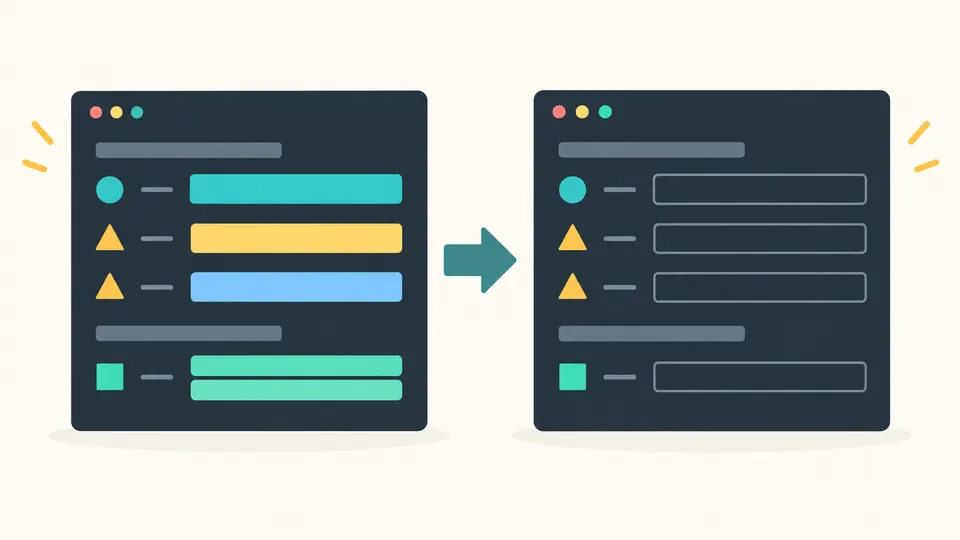
An exact allowlist can retain a reviewed PORT value while the other assignments are cleared. Add a separate KEY=description line to place explanatory comments above matching keys. These exceptions are visible in the retained count; no number or boolean is automatically considered harmless.
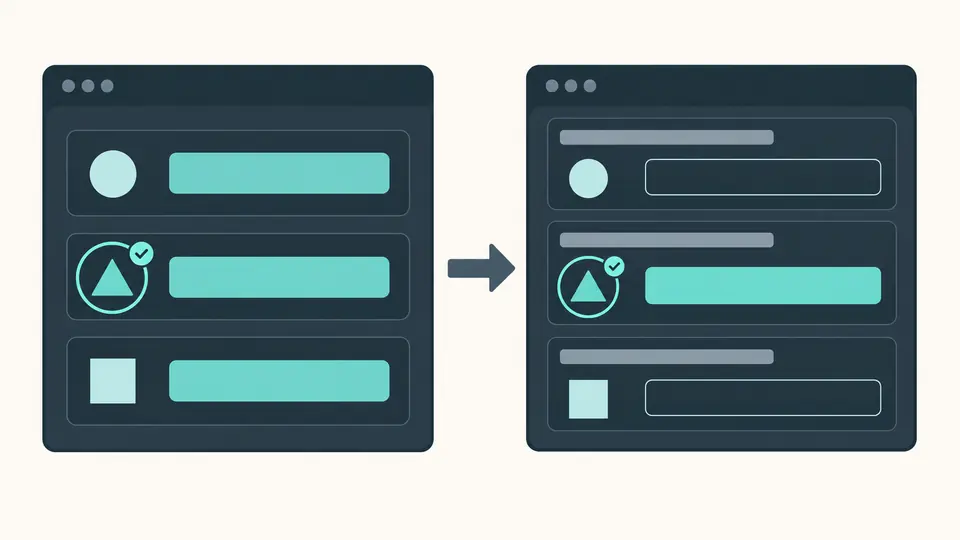
Empty mode clears every assignment value. Placeholder mode writes a quoted literal instead; it is a reminder to supply a value, not a usable credential. Neither mode edits the source panel.
The allowlist accepts full, case-sensitive keys separated by commas or whitespace. Descriptions use one unique KEY=description per line. Unmatched names are reported so a typing mistake does not silently look like a successful exception.
Auto generation waits 350 ms. Turn it off to run with Ctrl/Cmd + Enter. Any input or option edit cancels your previous review; copying and downloading require a fresh result and another explicit check.
Generate .env.example from optional export prefixes, quoted strings and empty assignments. Duplicate names remain separate and receive the same replacement policy. The counter distinguishes assignments from retained values, making it easier to review the full file rather than just its last effective values.
Switch from empty assignments to a custom single-line string such as YOUR_VALUE_HERE. Quotes and backslashes are encoded as literal value syntax. Empty placeholders, control characters and line breaks are rejected; they cannot create additional assignments.
Original standalone and inline comments can be kept or removed together. Blank lines remain. New descriptions always become comment lines and stay separate from the value; adding descriptions does not require preserving the original comments.
Only keys that you explicitly enter in the allowlist retain their values. Matching is exact and case-sensitive, and applies to all duplicate occurrences. With an empty allowlist, even ports, booleans and empty assignments follow the selected clear or placeholder policy.
Yes, within the documented dotenv subset. Whole quoted multiline values are replaced together; allowlisted values retain their raw quoting. Standalone and trailing comments remain when Keep original comments is enabled. Comments are not scanned for credentials.
Yes. Placeholder mode accepts a custom nonempty single-line string and serializes it as a quoted literal. Quotes and backslashes are escaped. Control characters and line breaks are rejected. It is a documentation hint and does not make the application configuration valid.
Yes. An existing KEY= stays present. In empty mode it is still empty; in placeholder mode it receives the placeholder unless the key is allowlisted. No empty declarations are removed, so teammates can see that the variable is expected.
An example can document required names and help a new teammate configure a project. The .env example generator helps prepare that file, but committing it is a separate decision: inspect comments, descriptions and allowlisted values, and remove confidential material before adding it to version control.
Need help with a value or rule?
Return to the .env example generator, choose only the exceptions you need and inspect the complete preview before sharing the result.