Kubernetes / Helm

Kubernetes YAML generatorBuild a resource from explicit fields

Choose a resource type; the YAML preview contains only that resource or the selected container probe fragment.

Kubernetes YAML generator

Resource fields

Generated YAML

Your parameters stay in this browser. No data is sent to a cluster or server.

Options

Kubernetes 1.34 templates: apps/v1, v1, networking.k8s.io/v1 and batch/v1. Probe mode is a container fragment.

Examples are starting templates. Add application-specific resources, security and storage; no cluster or image validation is performed.

Names: lowercase letter first, 63 characters maximum (CronJob 52). Ports 1–65535, replicas 0–1000. Probe times ≤86400 seconds; failure threshold ≤1000.

Environment: up to 50 KEY=value lines. ConfigMap and Secret fields only reference existing names. Text limit: 20,000 characters; command: 32 strings, each ≤4096 characters.

Generating…

A Kubernetes YAML generator helps when a new workload needs a small, reviewable starting point. The form keeps a Deployment’s selector and Pod labels together, so changing its name cannot leave half of that relationship behind. Choose another resource type to inspect a different object without losing the fields you already entered.

Use this Kubernetes manifest generator for a single Deployment YAML, a Service selector, an Ingress manifest or a scheduled Job template. Names used across separately exported resources still need to agree. The preview is generated text; it is never a report of what already exists in your cluster.

Why use this Kubernetes YAML generator?

See one resource at a time

The Kubernetes YAML generator keeps each resource’s shape visible. Deployment uses a Pod template, Service maps a listening port to a target port, and Ingress points to an existing Service. Switching the type preserves the other forms’ values, while the output includes only the active type.

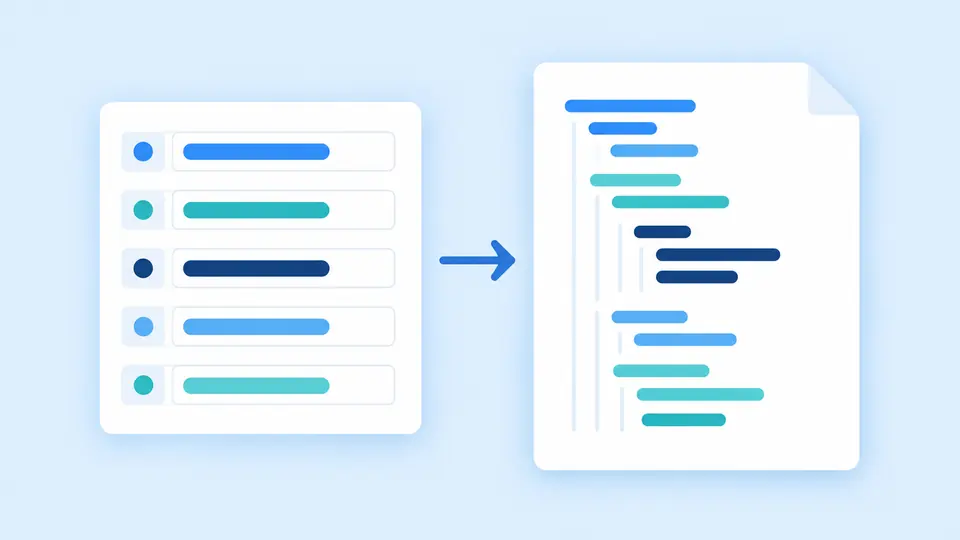
A form maps into a single structured manifest document.

Distinguish a probe from an API object

A probe belongs inside a container definition. The dedicated mode exports readinessProbe, livenessProbe or startupProbe without invented metadata or kind. You can also enable one selected probe in a Deployment; its port remains explicit because a health endpoint may listen elsewhere.

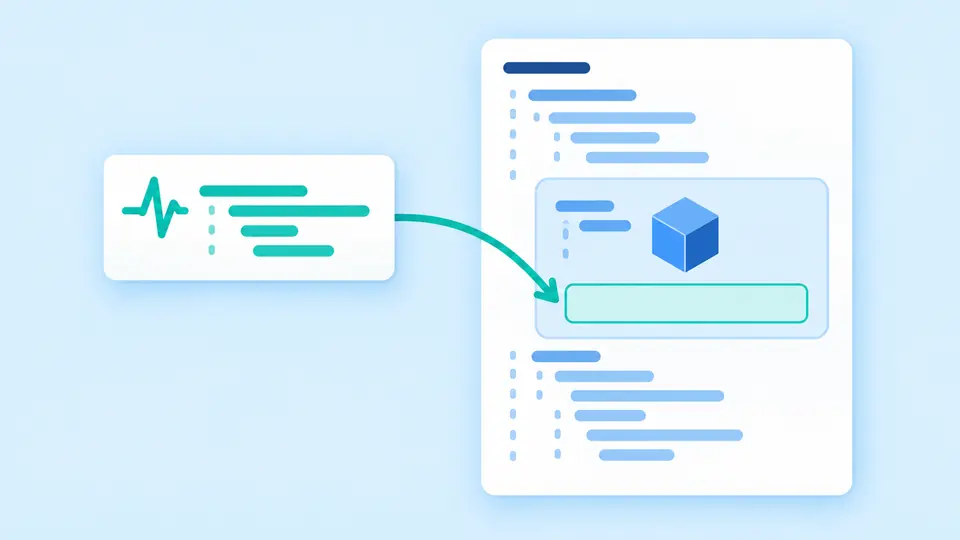
A small health-check fragment is inserted inside a container within a larger resource document.

Check the connections before applying

01

Match names across separate files

Deployment sets app to its resource name in both labels and selector. In Service, enter that same value as selector. In Ingress, the backend is the Service name, and its port is the Service port rather than the container’s target port.

02

Refresh deliberately when comparing settings

Automatic generation waits 350 ms after editing. Turn it off to hold the old preview while adjusting several values, then use Generate or Ctrl/Cmd+Enter. Copy and download stay disabled until the displayed result matches the current form.

03

Inspect the replacement before resetting

Example and Clear first show how many fields will change and their replacement values. Apply confirms the replacement; Undo restores the previous form and result together. The CronJob example uses a finite date command instead of a long-running web server.

Fields that determine the manifest

Four stable API shapes

Deployment emits apps/v1, Service v1, Ingress networking.k8s.io/v1 and CronJob batch/v1. The documented template baseline is Kubernetes 1.34. This is a selected subset of fields, without a pretend version selector that leaves the YAML unchanged.

String-safe environment values

Enter one KEY=value per line. Split occurs only at the first equals sign, empty values are retained, and repeated names fail visibly. All YAML string values are quoted so yes, null and numeric-looking text remain strings in YAML 1.1 consumers.

References and routing

Optional envFrom entries reference an existing ConfigMap or Secret. Ingress supports one host and path, Prefix or Exact matching, a class name and a TLS Secret reference. These fields do not create the referenced objects or configure a controller.

Scheduled tasks and health checks

CronJob writes a five-field schedule, explicit Etc/UTC time zone, a command array and the selected concurrency policy. HTTP or TCP probes expose their own port and timing fields. A successful probe uses successThreshold 1; the tool does not test the endpoint.

Template boundaries and validation

A starting template needs application review
No resource requests, limits, security context, storage, autoscaling or sidecars are inferred. Review those settings in your repository. The form neither checks image availability nor validates admission policies, quotas or whether an Ingress controller is installed.
One object or one fragment per export
No bundle, YAML import, Helm rendering, Kustomize or CRD support is included. Unsupported fields are not guessed. The Probe download must be inserted under a container and cannot be applied as a standalone Kubernetes resource.
Names and numbers use a bounded subset
Resource names start with a lowercase letter and use lowercase letters, digits and hyphens: at most 63 characters, or 52 for CronJob. Ports are 1–65535; replicas 0–1000; explicit NodePort 30000–32767. Other cluster port ranges require editing elsewhere.
Cron and input limits are explicit
Only numeric five-field Cron with stars, lists, ascending ranges and steps on stars or ranges is accepted; weekdays are 0–6. No seconds, macros, names or next-run calculation. At most 50 environment entries, 20,000 characters per text field and 32 command arguments are accepted.

Kubernetes YAML generator: common questions

Which API versions are generated?

The fixed baseline is Kubernetes 1.34 with apps/v1, v1, networking.k8s.io/v1 and batch/v1 for the four resource types. Probe mode has no apiVersion because it is a container field fragment. A matching API name does not prove a target cluster will accept the resource.

How can a Service select the Pods of my Deployment?

A Service finds Pods by labels, not by the Deployment object’s name. This form uses app: NAME in the Deployment Pod template. Set Service selector to that same NAME and point targetPort at the application’s listening port. The two objects are generated separately.

Can one generation include several resources?

Each run exports the selected resource only. Generate and review each file separately if you need both Deployment and Service. The tool does not automatically wire several saved files together; keep their names, selectors and namespaces consistent.

How are environment variables added?

Enter KEY=value lines for literal environment variables, or use ConfigMap and Secret reference fields for envFrom. Values are quoted as strings, including empty values. A reference adds a name only; it neither creates the dependency nor reads its contents.

Can I apply the output without reviewing it?

Review the output first, then validate it in the intended environment. Ingress needs a working controller and backend, CronJob needs a command that can finish, and applications need appropriate resource and security settings. The sample image tag is an example, not an availability or security guarantee.

Found an issue in a generated manifest?

Build your next manifest

Use the Kubernetes YAML generator to prepare a small change you can explain in review. Inspect the selected kind, follow every reference and add the application-specific fields before applying it.