01
Choose the crawler token
The default is Googlebot. A specific group replaces the wildcard group; it does not inherit wildcard rules. Enter the product token, not a full browser User-Agent header.
Crawl control
Edit a local robots.txt draft, then test one crawler and URL path. No website is fetched.
Allowed to crawl
The longest matching rule decides; Allow wins a tie.
Rules stay in this browser tab. No website request is sent.
Current draft tested.
Before replacing a live robots file, a robots.txt tester can reveal whether a public page is caught by a broad block. The example starts with /private/ blocked but /private/public/ allowed.
Our robots.txt generator adds a reviewed rule group to the same text you test. It keeps comments and unknown lines untouched; a separate allow disallow checker is unnecessary when the deciding line is visible here.
See the exact rule that changes a crawl decision before a file goes live.
The robots.txt tester compares every applicable rule. For /private/public/page, the longer Allow wins over Disallow: /private/. It names the winning line, so a permitted page is not mistaken for a blocked one.

Draft a User-agent group, inspect its exact text, then append it to the editor. The next test uses that same file, and the downloaded robots.txt contains the same bytes. Sitemap lines are shown separately because they do not decide access.
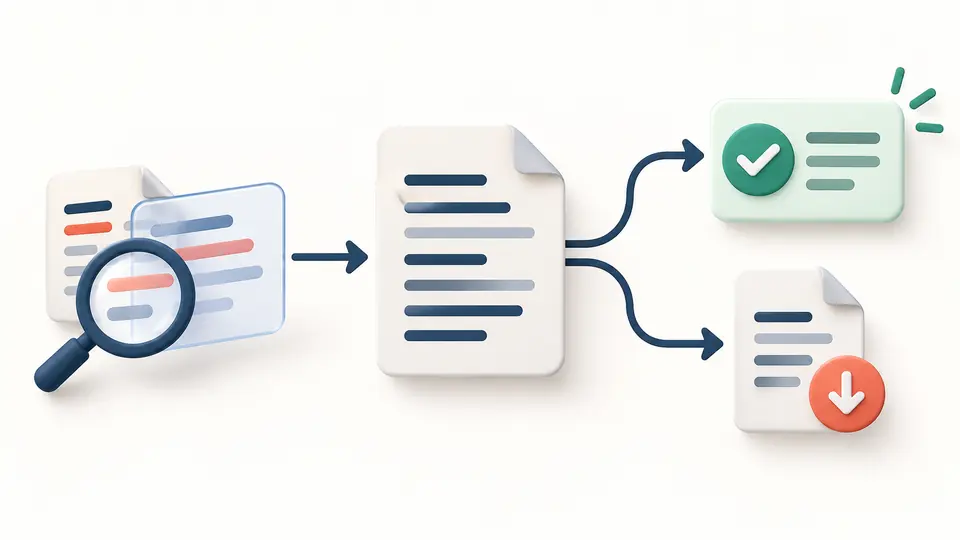
The default is Googlebot. A specific group replaces the wildcard group; it does not inherit wildcard rules. Enter the product token, not a full browser User-Agent header.
Use /private/public/page or paste a full URL; the tester uses only its path and query. Automatic testing waits 350 ms after changes. Turn it off to use the Test button or Ctrl/Cmd + Enter.
The result names the selected group, winning directive and source line. Any ignored syntax has its own line-numbered notice; copy and download remain disabled until the current draft is tested.
It merges repeated groups with the same matching token, but a named Googlebot group does not inherit User-agent: * rules. That distinction explains many unexpected crawl results.
Allow and Disallow paths use prefix matching, * wildcards and a final $ anchor. The longest matching path wins; an equally specific Allow beats Disallow.
Valid absolute Sitemap URLs appear with their source lines. Malformed rules and unsupported directives remain in the editor and are reported instead of being silently rewritten.
No. It controls fetching. A blocked URL can still appear in search when other pages link to it. Use an accessible noindex tag or header to request removal from the index.
Put the downloaded file at the root of the relevant host, such as https://example.com/robots.txt. A copy inside a subdirectory does not govern the whole host.
Add a named User-agent group for each crawler you mean to address and a Disallow path. Preview the group and test the token here. Compliance depends on the crawler; robots.txt is not access control.
The old standalone Search Console tester was removed. This local rules check helps before deployment; Google Search Console remains the place to inspect what Google has fetched from your verified property.
Yes. Enter an HTTP or HTTPS URL and only its path and query are matched. The host is not requested or checked against the pasted file, so confirm you are testing the right site yourself.
Is a rule outcome unclear?
Load the sample, change one rule, and inspect the deciding line. The robots.txt tester exports only the current, tested text.