01
Choose a self-contained file
Use a backup exported by the source application. A live database may keep recent changes in a separate WAL file, which this tool does not merge. The file information shows its size before you run further queries.
Database & SQL tools
Inspect a database without changing it
No database loaded.
Choose an object
No database loaded.
Database files and SQL stay in this browser. Nothing is uploaded or saved as history.
Read-only · 50 MiB file · 20,000 SQL characters · 10,000 rows · 256 columns · 2,000,000 result units · 5 s execution / 20 s engine load.
100 rows per page; cells preview 200 characters. Exports include all loaded values. JSON: columns + rows, large integers as strings, BLOB as hex objects. CSV: formula protection, no lossless type round trip.
Open a database or try the example.
Use this SQLite viewer when an app backup arrives as a database file and you need to inspect its records before writing a script. Open SQLite files directly, then select a table or query a view.
A SQLite database viewer reveals structure as well as values. This SQLite browser keeps the query beside the result, so you can check which filter produced the rows you are about to export.
The SQLite viewer lists tables and views, with the selected object’s CREATE SQL and its indexes. You can check a column name or unique index before writing a join; the original file is never rewritten.
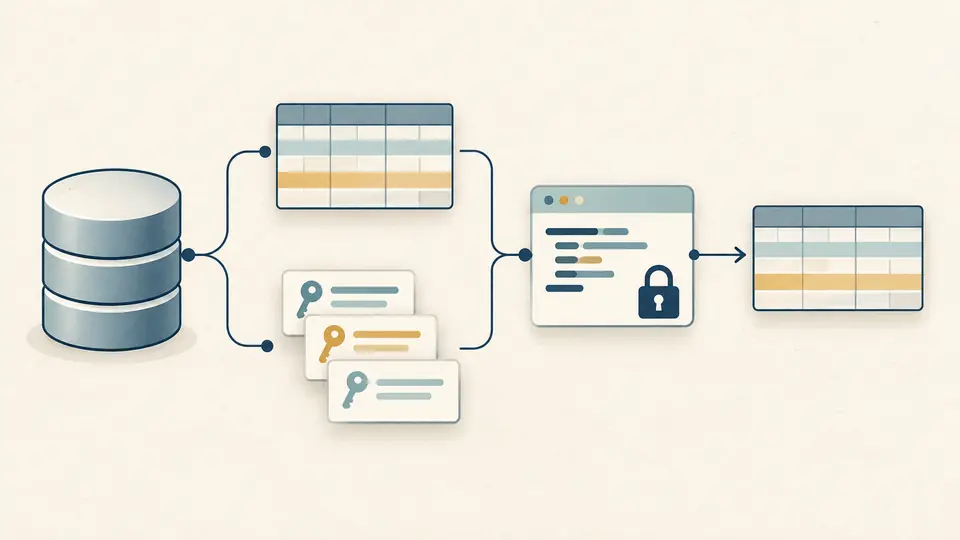
A page contains at most 100 rows, but exports include every loaded row. A visible truncation message distinguishes a 10,000-row sample from a complete answer; changing SQL disables old exports.
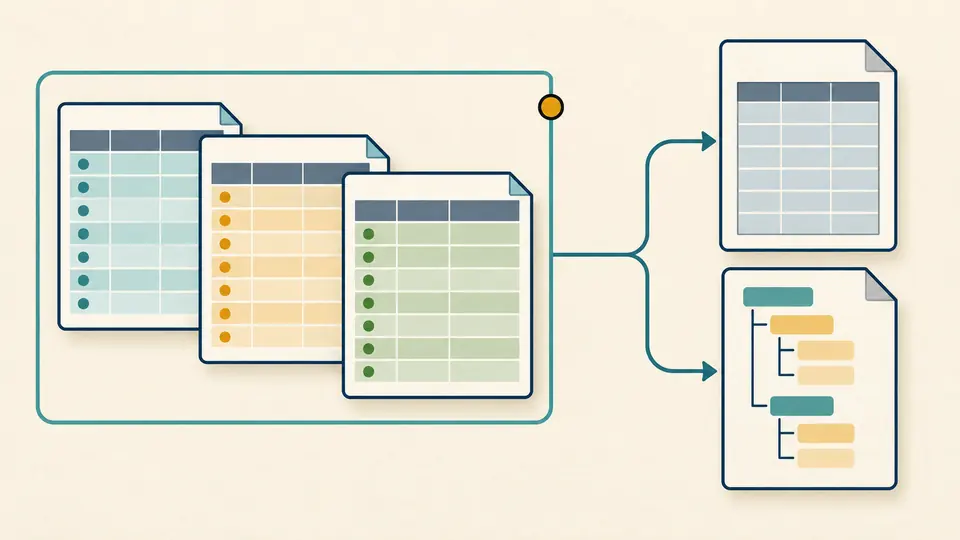
Use a backup exported by the source application. A live database may keep recent changes in a separate WAL file, which this tool does not merge. The file information shows its size before you run further queries.
Selecting a table runs a quoted SELECT. Editing SQL waits for Run query or Ctrl/Cmd+Enter. Use WHERE to narrow records and ORDER BY for a defined order; result pages do not sort the whole database.
Read the loaded-row count and truncation notice before you export SQLite to CSV. Add a stronger filter if the result was capped. JSON preserves column order and duplicate column names through separate columns and rows arrays.
The bundled sql.js WebAssembly engine evaluates a single SELECT, including supported joins, aggregates and SELECT-based CTEs. Work runs in a terminable Worker; a short but expensive query can be cancelled without blocking the page.
The object selector includes tables and views. The structure panel shows the selected CREATE statement and its indexes, including automatic indexes without their own CREATE SQL. Schema information is read from the opened file.
JSON retains NULL, represents integers outside the safe JavaScript range as decimal strings, and marks binary fields as objects with type and hexadecimal data. CSV quotes every field and prefixes formula-like text with an apostrophe for spreadsheet use.
Choose a standard SQLite 3 database, commonly named .db, .sqlite or .sqlite3. The header determines whether the file is accepted, not its extension. A SQL text dump, ZIP archive or encrypted database is not a directly readable file.
No. Queries run against an in-memory copy with SQLite query-only mode enabled, and the interface rejects write statements. There is no save-database command. Use a database editor when you need to change records or schema.
The file limit is 50 MiB, equal to 52,428,800 bytes. Available browser memory can still cause a smaller file to fail. Large joins or large individual values can exceed query limits even when the input file is small.
No. Use one SELECT or a SELECT-based CTE. SQL syntax is interpreted by the bundled SQLite version, and tables requiring unavailable extensions may not work. Error details remain visible below the panel.
You can download CSV for the loaded result and open it in a spreadsheet. This is not an XLSX export. Values beginning like spreadsheet formulas receive an apostrophe, and an explicit notice identifies any row truncation.
Found a query or file problem?
Use the SQLite viewer to check the structure, refine a query and take only the result you have reviewed.