01
Match the source format
CSV requires a header. JSON requires an array of flat objects, even for a single record. Switching the format does not rewrite the input.
- Example replacement previews its character count and resets the options.
Database & SQL tools
Choose JSON or CSV, inspect the target columns, and generate SQL for an existing table.
Input stays in this browser. No database connection or upload is made.
One table identifier, up to 63 UTF-8 bytes. A dot is part of the name, not a schema separator.
All source columns are included in discovery order. Renaming changes the destination; it does not edit the source.
idnameactivenoteLimits: 1000 data rows, 100 columns, 50,000 cells, 500,000 input characters and 2,000,000 output characters.
Result is out of date. Generate again to export.
JSON to SQL is useful when an API response needs to become a small, repeatable seed dataset. A quoted account code is different from a number, even when both contain the same digits.
The example includes an apostrophe, Unicode, a boolean and a missing value. Compare these literals before adapting the table name to your own schema.
Make column identity and value meaning visible before exporting.
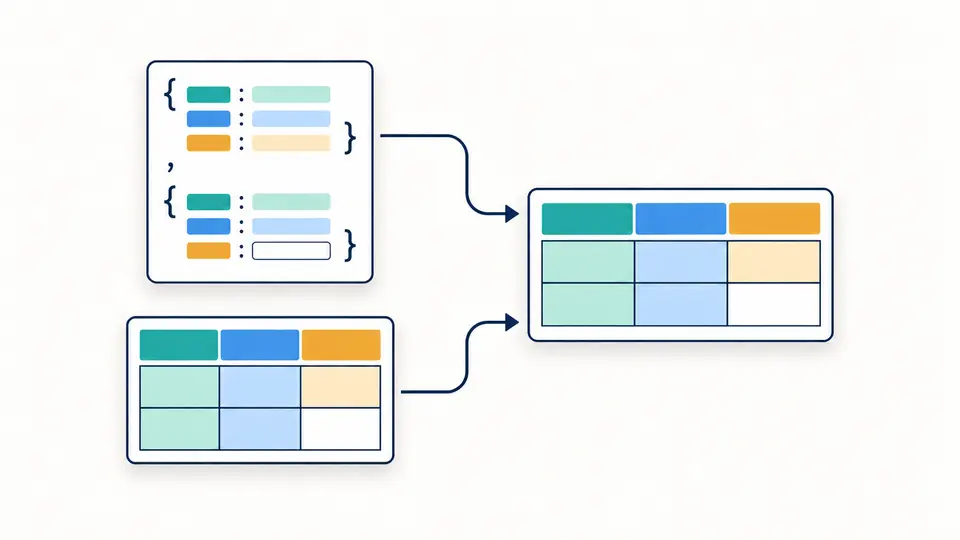
JSON to SQL collects keys across all objects in first-seen order. Rename each destination and choose its value type; a missing key becomes NULL instead of shifting later values into the wrong column.
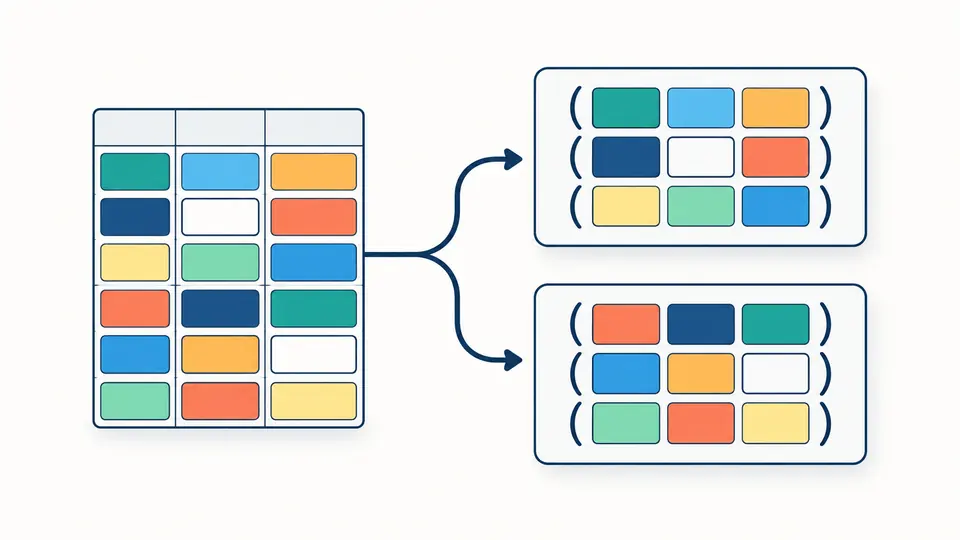
A batch size of one makes separate statements. Larger batches keep the same rows in grouped VALUES lists. The row count and statement count show what changed when you adjust the size.
CSV requires a header. JSON requires an array of flat objects, even for a single record. Switching the format does not rewrite the input.
Automatic mode preserves JSON string types. CSV infers strict numbers and true/false, while 007, dates and the word NULL stay text.
Auto conversion waits 350 ms. Any input or option change immediately disables export until regeneration succeeds.
PostgreSQL, MySQL, SQLite and SQL Server use their own identifier and string rules. SQL Server emits Unicode N strings; MySQL uses UTF-8 hexadecimal literals for backslashes and control characters to avoid dependence on backslash SQL modes.
The SQL INSERT generator preserves JSON numeric tokens, including large integers and long decimals. Explicit number mapping validates decimal syntax without converting through JavaScript numbers. Your database still decides the final column range and precision.
CSV to SQL can map empty cells to NULL or empty strings. JSON null and missing keys always become NULL, while a JSON empty string stays empty. Batch INSERT accepts 1–1000 rows per statement; optional transaction markers surround the complete script.
JSON to SQL preserves JSON strings, numbers, booleans and null in automatic mode. CSV has no native types, so only strict decimal numbers and true/false are inferred. Column overrides can force text, number or boolean; incompatible values stop generation.
No. The destination table must already exist. Creating its schema requires decisions about lengths, primary keys, defaults and indexes that cannot be reliably inferred from a few rows. Generate the INSERT script here and review it against your schema.
Choose PostgreSQL, MySQL, SQLite or SQL Server. The selection controls identifier quoting, string literals, boolean values and transaction markers. It does not validate the script against a live server or its specific configuration.
Apostrophes are doubled inside string literals. PostgreSQL uses E strings with doubled backslashes; SQL Server uses N strings. MySQL switches backslash or control-character values to UTF-8 hexadecimal literals. Values are never inserted as raw SQL expressions.
All discovered keys form the output column list. A missing key or JSON null yields SQL NULL. JSON empty strings stay empty strings. CSV empty cells follow the empty-cell option, but the letters NULL are always a text value.
Found a formatting problem?
Use JSON to SQL with a small representative sample, confirm the column mapping, then copy or download the complete script.