01
Choose the parser before changing the text
Switch between array and interval in the options below the editors. Switching preserves your input; the example button previews a value for the selected mode and style before replacing anything.
Database & SQL tools
Paste one raw array or interval value. Inspect its structure without running a database query.
Values are parsed in this browser; no upload, database connection or network request is made.
Paste the raw value without SQL quotes or casts. Non-NULL array elements stay strings; interval fields stay separate.
65,536 characters · 10,000 elements · 6 dimensions · seconds: up to 6 decimal places
Dimensions: 2 · elements: 6 · NULL: 1
A PostgreSQL array parser is useful when a driver, log or exported cell gives you braces and escaped quotes instead of a usable array. Splitting that text on commas loses information as soon as an element contains a comma itself.
Use the example to compare a missing value, the text "NULL" and an empty string. For time intervals, choose the output style used by the source database before interpreting signed fields.
This PostgreSQL array parser reports each dimension alongside the nested values. A lower bound of zero or a negative index remains visible in the metadata even though JSON arrays themselves do not carry PostgreSQL subscripts.
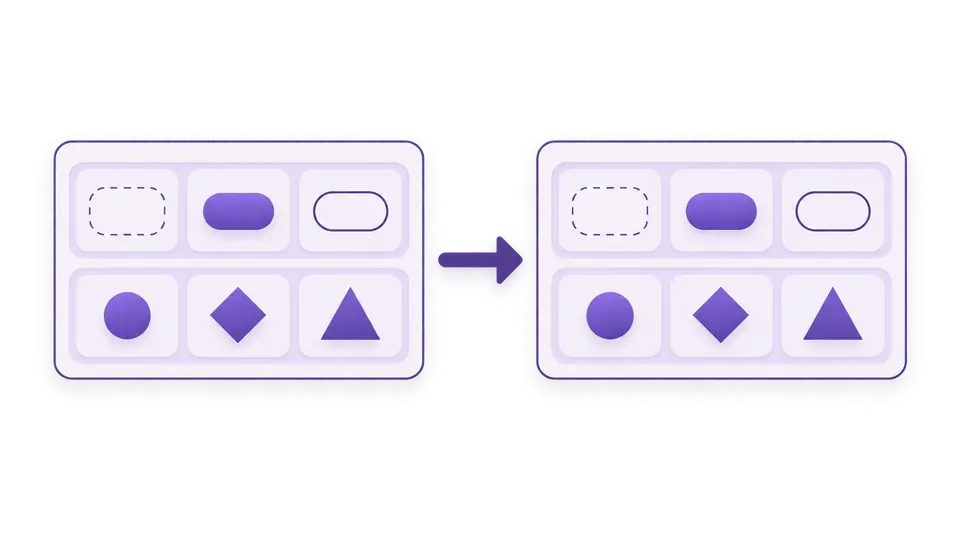
A month is not a fixed number of seconds. The interval result keeps months, days and microseconds in separate fields, including mixed signs, so a calendar duration is not silently replaced with an elapsed-time estimate.
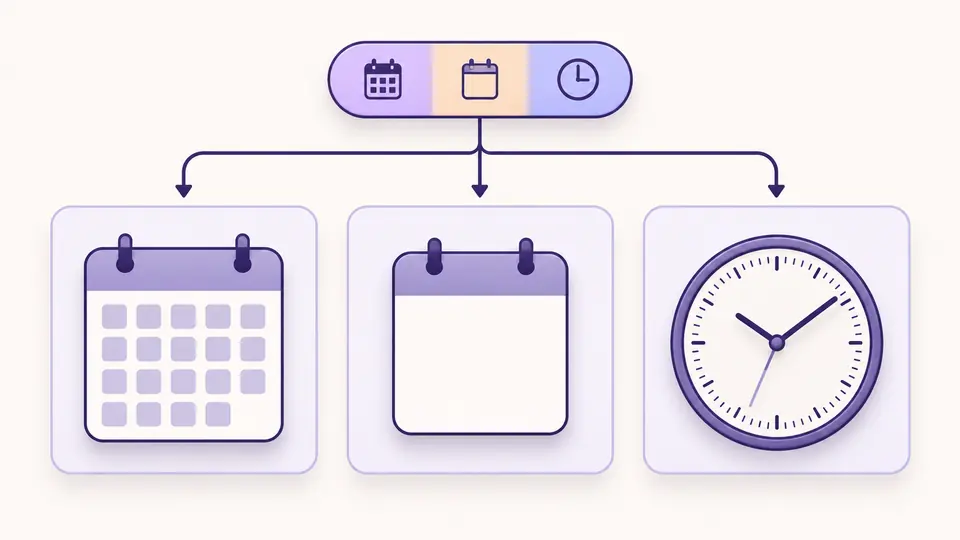
Switch between array and interval in the options below the editors. Switching preserves your input; the example button previews a value for the selected mode and style before replacing anything.
The initial array starts at index zero. Check dimensions and nullCount in the JSON report. For sql_standard, a lone leading minus can apply to the following day and time fields; select the matching style explicitly.
Auto parsing waits 350 ms after your last edit. Turn it off to use the parse button or Ctrl/Cmd+Enter. Edits disable exports immediately; long reports show 100 lines at a time while exports include every line.
Use Postgres array to JSON for inspecting structure while retaining numeric-looking values such as 001 or a very large integer as strings. A multidimensional array must be rectangular; inconsistent row lengths produce an error instead of padding or flattening.
The array literal scanner recognizes double-quoted elements, escaped quotes, protected delimiters and escaped whitespace. Unquoted NULL becomes JSON null, while quoted or backslash-protected NULL and an empty quoted element remain strings.
To parse Postgres interval output, choose postgres, postgres_verbose, sql_standard or iso_8601. The parser accepts integer calendar fields and up to six fractional second digits, then uses exact integer arithmetic for the three exported fields.
Usually the literal has an unmatched brace, a missing quote, a trailing delimiter or an extra SQL wrapper. A PostgreSQL array parser can identify the local syntax error and its line and column. Paste the inner brace-delimited value, not the entire INSERT statement, then inspect the highlighted line.
An unquoted and unescaped NULL, in any letter case, becomes JSON null. "NULL" is text and "" is an empty string. The result also counts null elements. A whole SQL NULL is not an array literal here; use {} when you mean an empty array.
PostgreSQL requires matching extents for every dimension. {{a,b},{c}} has row lengths of two and one, so it is rejected. This tool does not add a missing cell or flatten the rows. Correct the source data, then check that any declared bounds match the actual shape.
There can be two escaping layers: the array representation and the outer COPY or CSV field. This tool handles only the raw array layer. Inside a quoted array element, prefix a double quote or backslash with a backslash. Remove the outer CSV/SQL encoding before pasting the value.
Calendar months and days are not interchangeable with a fixed elapsed duration. Month lengths vary, and a calendar day can cross a daylight-saving change. This result preserves the three independent buckets instead of applying an assumed conversion; calculate elapsed seconds against actual timestamps when needed.
The notation can be reformatted with SQL outside this tool, but doing so merges the day field into hours. Here 1 day and 01:30:00 remain days="1" and microseconds="5400000000". A 25:30:00 time field instead has days="0" and microseconds="91800000000".
Still have a question?
Use the PostgreSQL array parser to inspect the bounds and values, or select an interval style and compare its three fields before exporting JSON.
One literal per run; no automatic repair.