01
Choose the public endpoint
Enter a domain without a URL path. Port 443 is the default; other ports must accept direct TLS.
SSL / TLS Certificates
Use this SSL certificate checker after a renewal or a hostname change to inspect the certificate returned by NetworkCalc for a public host and port.
Enter a public hostname to begin.
Starting a check sends your hostname and port directly to NetworkCalc, which also sees your IP address. HeyUtils does not receive this lookup.
Data provider: NetworkCalc
Enter a public hostname to begin.
Use this SSL certificate checker after a renewal or a hostname change to inspect the certificate returned by NetworkCalc for a public host and port.
The SSL checker parses the returned PEM in your browser. Compare exact validity dates, DNS names and SHA-256 fingerprints; a date or hostname match alone does not establish certificate trust.
NetworkCalc connects to the public hostname and port and returns a certificate. No HeyUtils backend or API key is required.

The browser extracts the subject, issuer, dates, SANs and fingerprint from the certificate itself. You can also inspect its PEM representation.
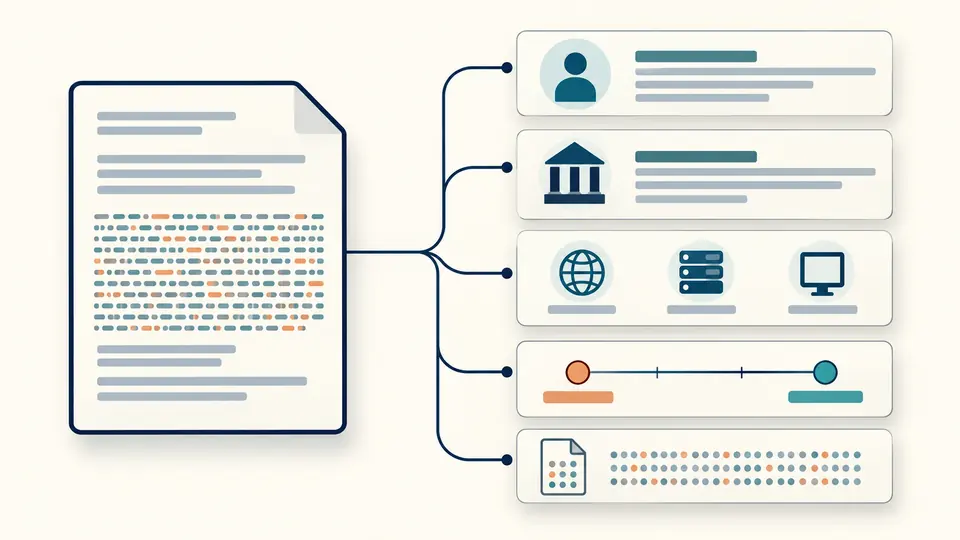
Enter a domain without a URL path. Port 443 is the default; other ports must accept direct TLS.
Click Check or press Ctrl/Cmd + Enter. Typing or loading the example does not contact the provider.
Read the validity dates and DNS SAN match. Editing the input disables copying and downloading until a new result completes.
See not-before, not-after and remaining days, with separate states for expired and not-yet-valid certificates.
Match exact DNS SANs or a wildcard covering one label. A common name is not used as a fallback.
Inspect the certificate and its locally calculated fingerprint. Download the parsed result as JSON.
Enter a public hostname and run the lookup. The browser reads the validity dates from the PEM returned by NetworkCalc.
No. These checks do not validate the signature chain, issuer trust or revocation status. Use a dedicated TLS audit for those questions.
Yes, if NetworkCalc can reach it and the service begins with TLS immediately. STARTTLS upgrades are not supported by this tool.
No. Starting a check sends the hostname and port to NetworkCalc. Local certificate files can instead be inspected with the certificate decoder.
No. Different locations or endpoints may serve different certificates. The report describes the certificate returned by this provider.
Something unexpected in the report?
Enter a public hostname and compare its certificate dates, DNS names and fingerprint.
Starting a check sends your hostname and port directly to NetworkCalc, which also sees your IP address. HeyUtils does not receive this lookup.