Let the contents identify the format
The file extension is only a picker hint. DER files are read as bytes; PEM and padded Base64 text are decoded as one certificate. A replacement preview shows the old and new byte counts before you apply it.
SSL / TLS Certificates
Paste one PEM or Base64 certificate, or open a local DER file. Parsing does not verify trust.
Trust not verified: signature, chain, revocation and hostname checks are not performed.
Enter a certificate to begin.
Certificate data stays in this browser; no certificate lookup or upload is performed.
One certificate. Input ≤128 KiB; DER ≤64 KiB. Warning threshold: 0–3650 days.
Dates are UTC snapshots of the browser clock at parsing time. Parse again to refresh.
Enter a certificate to begin.
Use this certificate decoder when a renewal delivers several similarly named files and you need to identify the actual certificate. Compare the issuer, serial number and subject before replacing a deployed file.
The X.509 certificate viewer separates the date window from trust. A certificate can be within its stated dates and still have an invalid signature, an untrusted issuer or a hostname mismatch.
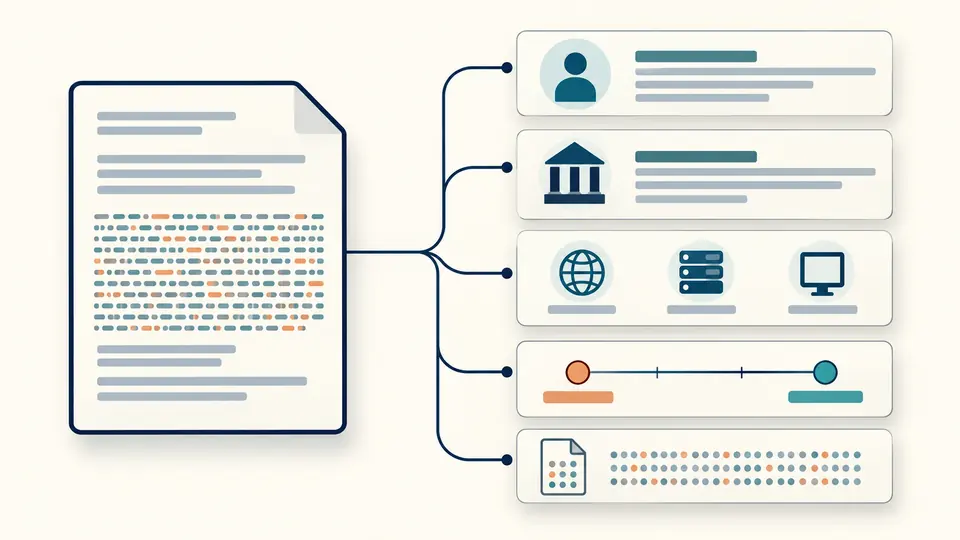
The certificate decoder expands the identity, SAN and extension groups without hiding unfamiliar OIDs. Each extension retains its critical flag and raw bytes, so an unrecognized field remains inspectable.
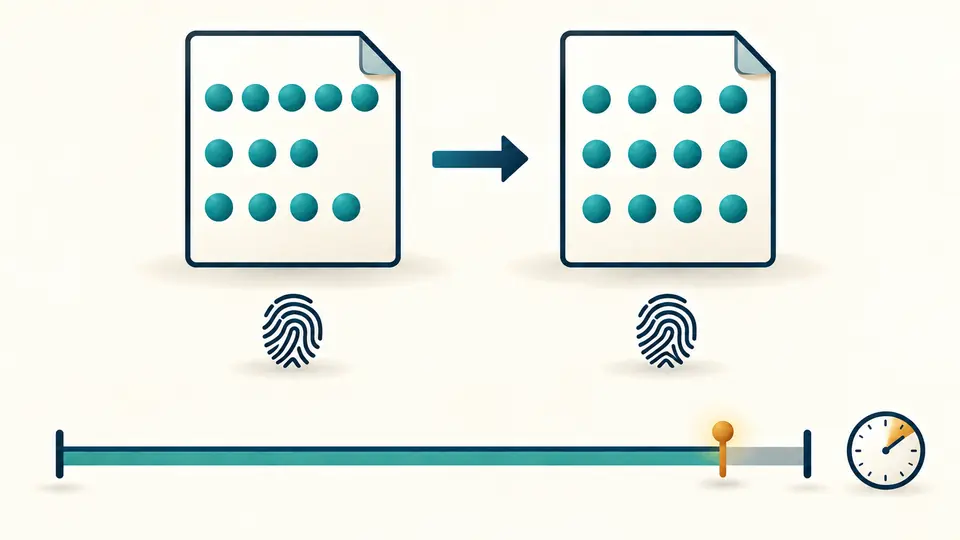
A PEM certificate and a DER certificate may hold the same signed bytes. The PEM view wraps those bytes into 64-character lines; the certificate fingerprint stays the same. The separate timeline reports the current date window.
The file extension is only a picker hint. DER files are read as bytes; PEM and padded Base64 text are decoded as one certificate. A replacement preview shows the old and new byte counts before you apply it.
Automatic mode waits 350 ms after edits. Turn it off to reveal the parse button, then use Ctrl/Cmd+Enter. Changing the 30-day warning threshold invalidates the previous result until another parse completes.
Fields exports a JSON report with the calculation time and both fingerprints. PEM exports the original DER in a normalized text wrapper. Copy and download stay disabled while the input has newer, unparsed changes.
Expand Subject and Issuer to inspect name components, including repeated attributes. DNS names, IP addresses, email addresses and URIs appear with their SAN types; the tool does not test whether a hostname matches.
The result distinguishes not yet valid, within dates, expiring soon and expired. Dates use UTC; remaining days can be negative. The calculation uses the browser clock at parsing time, so rerun it for a later snapshot.
SAN, Basic Constraints, Key Usage, Extended Key Usage and key identifiers receive structured views when their form is supported. Every extension still includes its OID, critical flag and original value in hexadecimal.
SHA-256 is shown first, with SHA-1 for matching older inventories. Both hash the complete certificate bytes rather than its public key or text wrapper. JSON retains all entries even when a long group is displayed in pages.
Open a local PEM, CRT, CER or DER file, or paste PEM or padded Base64. The contents determine the format. This page accepts exactly one X.509 certificate, with a 128 KiB input and 64 KiB DER limit.
DER is the binary certificate. PEM encodes those bytes in Base64 between CERTIFICATE markers. Exporting the PEM view preserves the DER bytes, so line wrapping and line endings do not change either fingerprint.
No. Decoding reveals what the certificate says. Signature verification, a trust store, issuer-chain processing and revocation checks require additional work. Even a date-window result that is within dates leaves trust unverified.
The SHA-256 value covers every byte of the complete DER certificate. It does not hash the PEM text, just the public key, or the concatenation of a chain. Compare the same digest algorithm on both sides.
No. A CSR is a request rather than an issued certificate, and a private key is a different object. Both are rejected. Use the public certificate returned by your certificate authority; the signing key is not needed here.
No. The result describes the supplied file only. A server may have a different certificate, a different SNI configuration, or several endpoints behind a load balancer. Inspect the live connection separately when investigating deployment.
Something unexpected in the report?
Use the certificate decoder to compare the actual identity, dates and fingerprint of the next file. Export the matching report with its calculation time before moving on.