01
Declare hex or decimal first
In hex mode, 10 means the byte with decimal value 16. In decimal mode, 10 means ten. The input selector resolves this ambiguity; the tool never guesses from the digits.
iOS / Android Dev Tools
Choose the input notation, then format the same bytes as hex or a decimal array.
Hex: optional <…> and ASCII whitespace. Decimal: unsigned 0–255 values.
Counts describe syntax only; they do not confirm a usable APNs token.
Processed in your browser. Input is not sent or saved.
Enter a complete byte sequence.
The APNs token formatter helps when a device log and a provider form show the same bytes differently. A leading zero belongs to the byte; deleting it can change the value or leave an incomplete pair.
Start with the complete data from your registration callback. A debug description is only a display and may omit bytes. Formatting cannot reconstruct anything that was left out.
The APNs token formatter removes declared whitespace and one outer pair of angle brackets. It never strips arbitrary letters from a log or pads an odd final digit. Each byte stays in its original position.
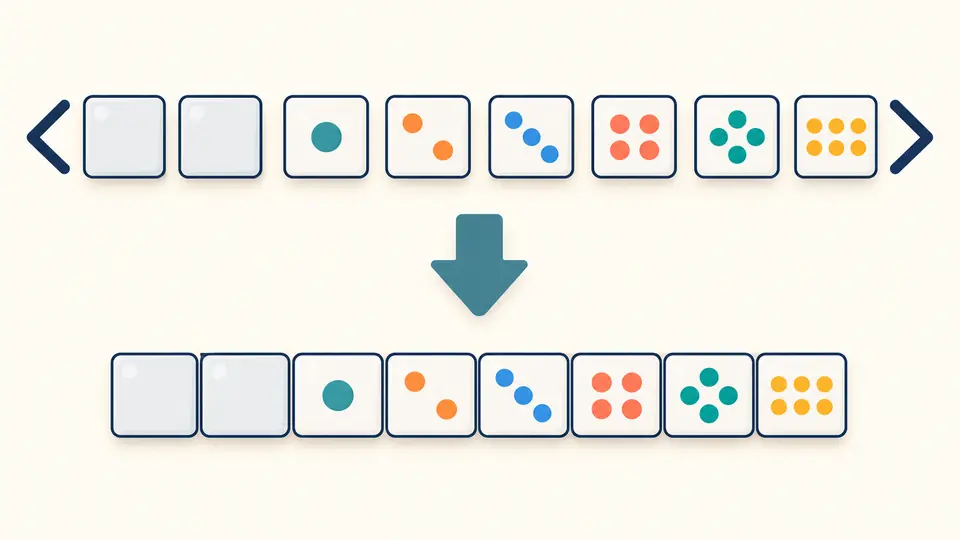
A hexadecimal string and a decimal array can describe identical data. Switch the output to see byte boundaries; uppercase and lowercase change only the spelling of hex digits. No characters are decoded from the token.
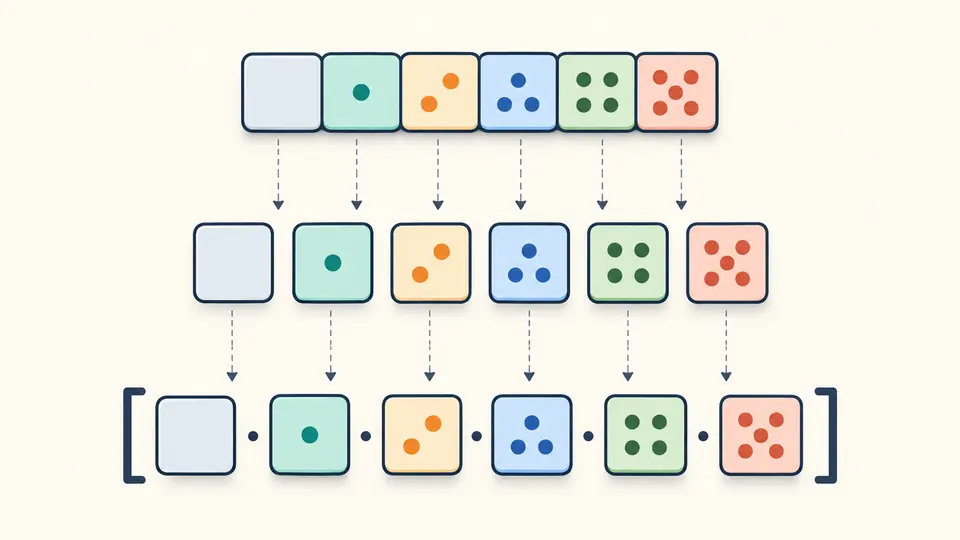
In hex mode, 10 means the byte with decimal value 16. In decimal mode, 10 means ten. The input selector resolves this ambiguity; the tool never guesses from the digits.
Automatic formatting waits 350ms after edits. Turn it off to review changes, then run with Ctrl/Cmd + Enter. Changing input or options immediately disables export of the previous result.
Use spaced hex to inspect leading 00 bytes, or a decimal array to compare an unsigned byte dump. The count describes the parsed data, not whether APNs will accept it. Example and clear actions have a preview and one undo.
Every byte produces two hex digits, including values below 16. A sequence such as 00 01 ff becomes 0001ff, never 1ff. Letter case does not affect the bytes.
Unsigned decimal values must be between 0 and 255. Use comma-separated values with optional outer square brackets, or whitespace-separated values without commas. Mixed separators such as 1 2,3 are rejected.
Invalid hex, unmatched wrappers, odd digit counts and out-of-range bytes produce a line and column. The original text stays intact, so the reported position remains useful while correcting a copied log.
Read the actual bytes and encode each as two hexadecimal digits. On this page, paste complete hex data or unsigned decimal values in the matching mode. Do not use a truncated NSData description as the data source.
Apple states that device tokens have variable length. A familiar byte count is not a guarantee. This page reports the count of the supplied bytes without declaring a token valid or invalid based on length.
Not from its appearance alone. This page checks only the declared byte notation for an APNs device token. It does not validate registration or interpret GCM and FCM tokens.
A device-token request uses a hexadecimal byte string. Check that you copied the complete value and selected the correct environment and topic in your sender. Removing spaces cannot fix every cause of BadDeviceToken.
Debug descriptions are presentation, not a stable serialization contract. Obtain bytes from the registration callback and explicitly encode them. If a description contains an ellipsis or a length summary, the missing data cannot be recovered here.
Found an encoding or parsing issue?
Use the APNs token formatter to inspect the exact bytes you have, select the representation your next step expects, and copy the current result.