01
Choose the platform first
Android dp and iOS pt are different layout systems. Switching modes preserves the other mode’s input rather than reinterpreting it.
- The initial examples are 16 dp at xhdpi and 44 pt at @2x.
Mobile development
Choose Android, iOS or Swift color; the scale used for each answer stays visible.
32 px
Calculation: 16 dp × 2 ÷ 1 = 32 px
Values are calculated in this browser; nothing is uploaded.
Result is current.
When a design file says 16 dp but a screenshot measures 32 pixels, dp sp pt px converter keeps the chosen density beside the result. It also keeps iOS layout points separate from Android layout units.
A dp to px converter needs a device context: xhdpi means 2×, but a custom density can differ. For text, an sp to px converter can only estimate the output from fontScale on modern Android.
The input and the chosen display context remain together.
dp sp pt px converter never treats an iOS point as an Android dp. A 44 pt target at @2x becomes 88 px, while 16 dp at xhdpi becomes 32 px.
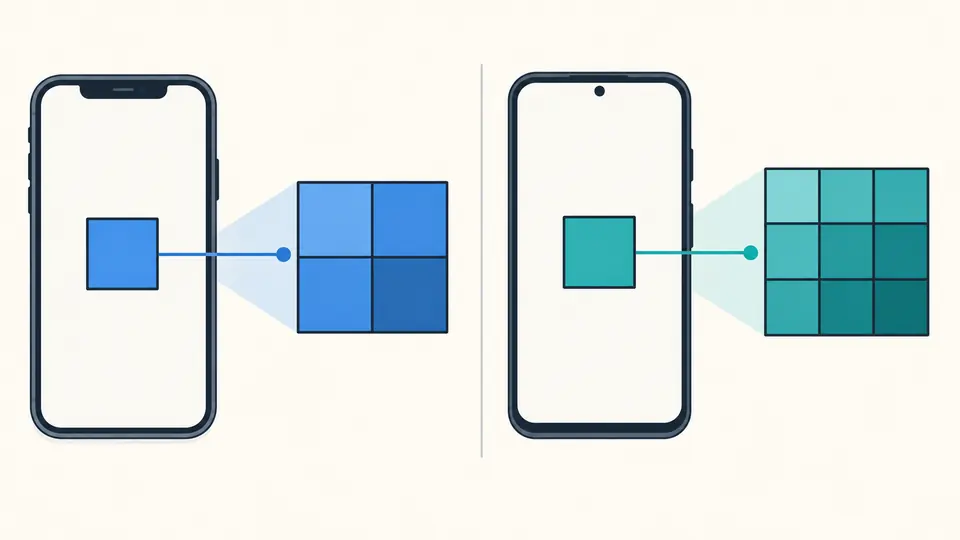
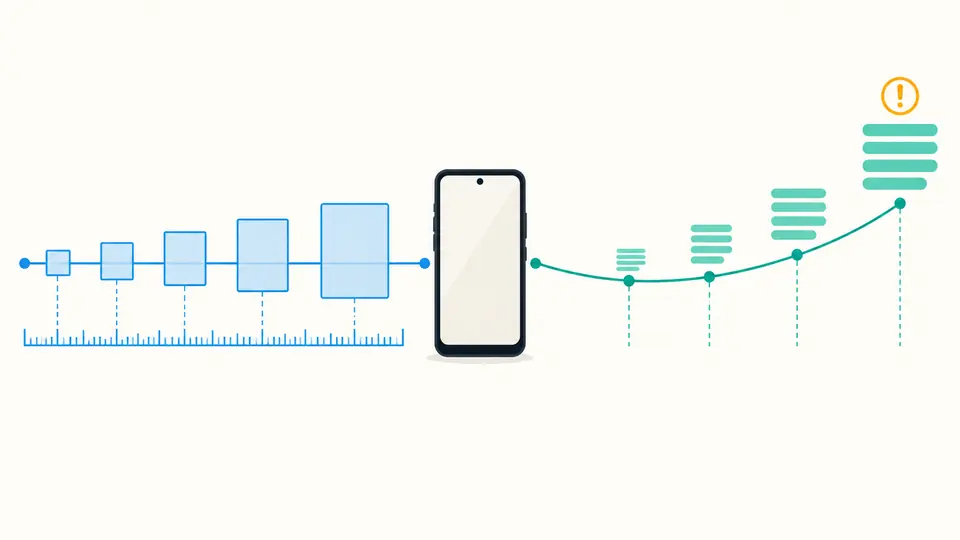
For Android text, fontScale stays visible and every sp result is marked as linear. Android 14 can use a nonlinear curve, so a device API remains the authority.
Android dp and iOS pt are different layout systems. Switching modes preserves the other mode’s input rather than reinterpreting it.
Select a density bucket or type the app’s DisplayMetrics.density; choose UIScreen.scale for iOS. Changing a parameter makes a previous result unavailable for copying.
The formula shows the source, multiplier and target. Switch off automatic conversion to use the Convert button or Ctrl/Cmd + Enter.
Convert dp to px, px to dp, iOS points to pixels and back. Custom multipliers cover displays outside named density buckets.
Convert sp to px or dp through the selected density and font scale, with a visible warning wherever nonlinear Android text scaling may differ.
HEX to UIColor produces normalized RGB components and an alpha channel; SwiftUI Color code is generated alongside it. Numeric UIColor or Color initializers can be read back.
dp is a density-independent Android layout unit; px is a physical screen pixel. At xhdpi density 2, 16 dp becomes 32 px. A dp sp pt px converter must know density for this answer.
dp is for layout dimensions. sp responds to the user’s font size setting, so text set in sp can change even when a 16 dp margin does not.
Both are logical layout units, but there is no universal one-to-one pixel result across platforms. iOS points use display scale; Android dp uses density.
Flutter’s logical pixels are handled by its framework. This panel targets native Android dp/sp and iOS points, so use Flutter’s devicePixelRatio for Flutter-specific code.
There is no safe universal density. Read the target Android app’s DisplayMetrics.density or use its known density bucket, then enter that multiplier here.
Need another answer?
Bring a real density, scale or static color to the dp sp pt px converter; review the calculation before copying it into a design handoff.