01
Use the final project value
For Android, copy applicationId from the app module rather than assuming the code namespace is identical. For iOS, use the Bundle Identifier in the target settings; a wildcard App ID is not the app's actual ID.
Mobile development
Enter one existing app identifier, choose its platform, and inspect each segment.
Enter an identifier to see a segment report.
The identifier is checked in your browser; this page does not contact an app store.
Enter an identifier to see a segment report.
Before an app's identity is fixed in a release, a Bundle ID validator can catch a tiny typo that a broad search will miss. Paste the exact value from your project; the checker never silently normalizes it.
Android's applicationId and an iOS bundle identifier look similar but allow different characters. This package name validator applies the selected platform's syntax, then separates errors from naming advice.
The same text can have a different outcome on each platform.
The Bundle ID validator splits the ID on dots and reports an empty part, a leading digit, or an unsupported character beside its segment number. It leaves the original spelling intact so you can fix the project setting yourself.
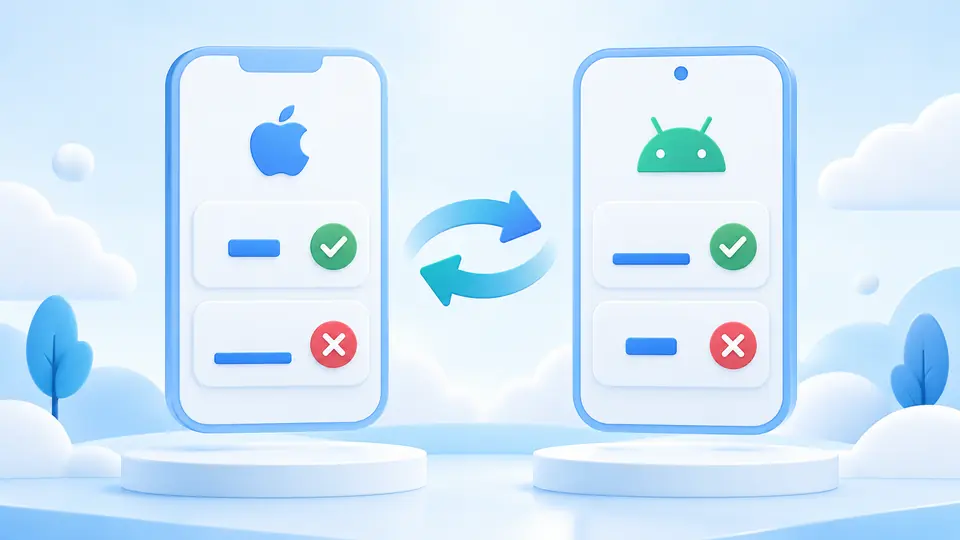
Android allows underscores inside a segment but rejects hyphens; iOS allows hyphens but rejects underscores. Switching platform reruns the same value without rewriting it, making that difference visible before you copy a shared name into two projects.
For Android, copy applicationId from the app module rather than assuming the code namespace is identical. For iOS, use the Bundle Identifier in the target settings; a wildcard App ID is not the app's actual ID.
Android is selected by default. Switch to iOS when checking a bundle identifier: a hyphen changes from an error to an allowed character, while an underscore changes the other way. The input stays untouched.
Automatic validation waits 350 ms after a change. Turn it off to use Validate ID or Ctrl/Cmd+Enter. A changed value makes the previous report stale and blocks copying until validation finishes.
The report requires at least two segments, an ASCII letter at the start of each, and only letters, digits or underscores within them. Uppercase letters remain valid; they are not converted to lowercase.
The iOS mode accepts ASCII letters, digits and hyphens between periods. It marks underscores and wildcard asterisks as errors. Reverse DNS format is shown as advice when the value has only one segment.
Every segment has a numbered row, and the full findings can be copied to an issue. The report describes syntax only; a valid reverse DNS identifier does not prove domain ownership or registration.
Android applicationId needs at least two letter-led segments; each can contain ASCII letters, digits and underscores. An iOS Bundle ID permits hyphens instead of underscores. Select the platform before interpreting the report.
Android requires at least two dot-separated segments. On iOS, reverse DNS spelling is typical, but Apple describes it as a convention; this checker advises on a single segment instead of claiming it is an Apple syntax failure.
For an Android application ID, an underscore is allowed after the first letter of a segment, while a hyphen is not. For an iOS Bundle ID, the hyphen is allowed and the underscore is not.
A different Android applicationId identifies a different app on Google Play; existing users do not receive it as an update. Apple also ties uploaded builds to the registered Bundle ID. Check the final value before release.
No. The Bundle ID validator checks the local string only. Registration, ownership, reserved names and account permissions require the relevant developer console; no store request is sent from this page.
Found a platform rule we should clarify?
Use the Bundle ID validator on the exact value you intend to ship, then confirm it in Xcode or Gradle and in the appropriate developer account.