HTTP authentication

Basic Auth generatorInspect the bytes behind the header

Generate or decode Basic credentials, or inspect an existing Bearer token.

Basic Auth generator

Credential input

Username cannot contain a colon. Password colons and spaces are preserved; either field may be empty.

Current result

Syntax only: no password, token, signature or permission verification. Downloads always redact credentials.

Processed in this page, without authentication requests or credential storage.

Options

Choose the server’s encoding. Latin-1 is a direct byte mapping, not Windows-1252.

Optional for UTF-8 encoding only. Changes the computed copy, never your input.

Enter credentials or load an example.

Use this Basic Auth generator when a request has the right username and password but still receives a 401 response. Comparing the encoded bytes helps isolate a misplaced colon, a different character encoding or a damaged copy.

A well-formed Authorization header does not establish access. The server still decides whether the account, token, expiry and permissions are acceptable; this workbench checks the string you intend to send.

Why use this Basic Auth generator?

Choose the bytes deliberately

This Basic Auth generator separates UTF-8 from a direct Latin-1 byte mapping. An explicit NFC option can compose Unicode for a UTF-8 challenge without replacing what you typed. Decode in the same encoding to inspect the actual username and password.

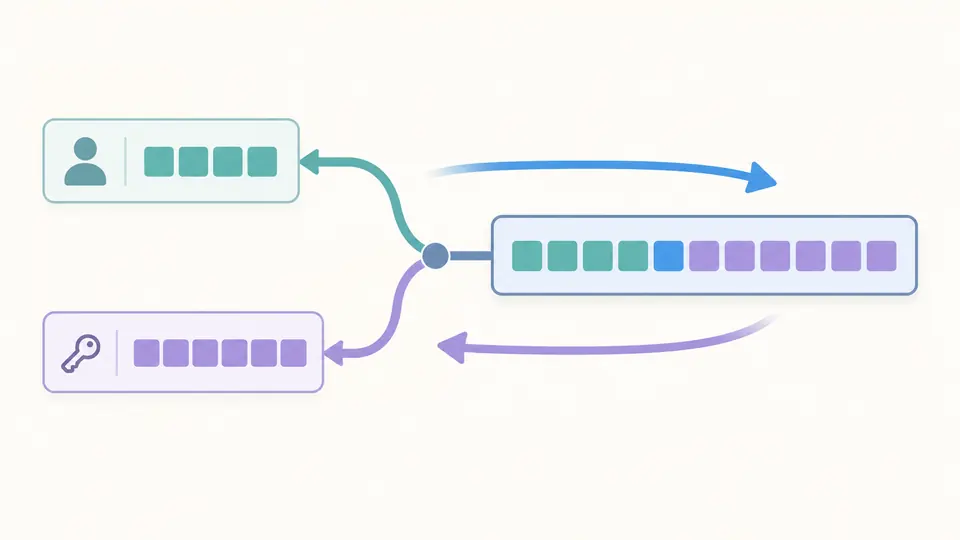
Two credential fields combine into a byte strip and return to two fields through a reversible conversion.

Share a shape without sharing a secret

A Basic Auth header is reversible, and an opaque Bearer token can itself grant access. Redacted copying removes the entire credential, including its first and last characters. The downloaded report is always redacted, even while sensitive results are visible.

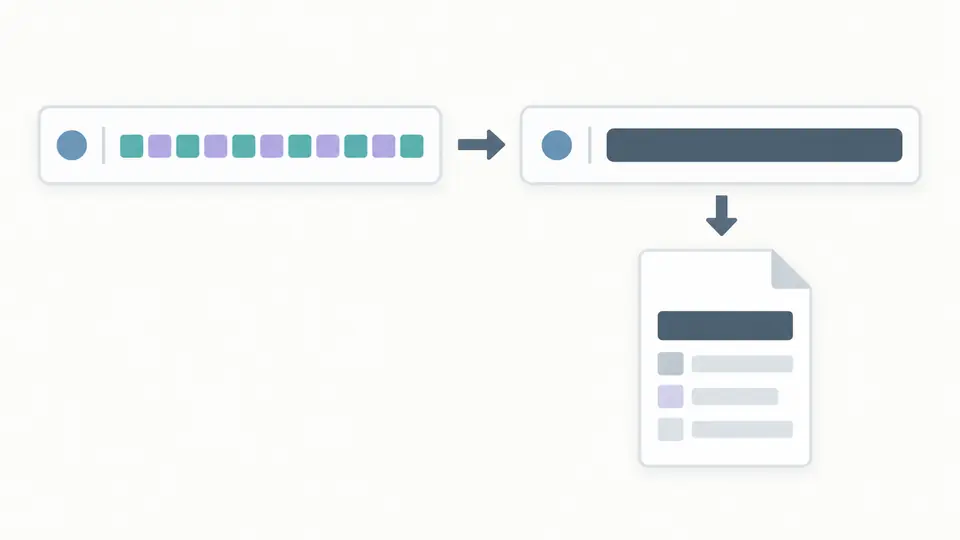
A header keeps its outer structure while the credential is covered completely before a report is exported.

Check the assumptions before copying

01

Select the operation before pasting

Basic encoding takes separate username and password fields. Decoding accepts a bare Base64 token, a Basic value or a complete Authorization line. Bearer accepts the equivalent three forms without treating the token as Base64.

02

Match the server’s character encoding

UTF-8 is the initial choice, not a claim about every server. Choose Latin-1 only when the server expects those bytes. Enable NFC explicitly when needed for a UTF-8 challenge; decoding never normalizes the recovered text.

03

Wait for the current result

Automatic conversion waits 350 ms after edits. Turn it off to run with the button or Ctrl/Cmd+Enter. Changed inputs disable exports immediately. Example and Clear require a preview; Undo restores the previous inputs, options and result.

From credential bytes to a single header

Paired Basic conversion

Encode the username, one colon and the password using standard padded Base64. Decode Basic Auth by splitting only the first recovered colon, preserving all subsequent password colons and spaces. Either field may be empty; two empty fields are treated as no input.

Strict byte inspection

UTF-8 decoding rejects invalid sequences. Latin-1 maps each byte directly to the same numbered Unicode code point, including 0x80; it does not use the browser’s Windows-1252 alias. Unrepresentable input raises an error instead of changing characters.

Opaque Bearer handling

Extract the token, inspect its ASCII alphabet and trailing equals signs, and assemble a canonical Authorization header. Token length is reported, but three dot-separated segments are not taken as evidence of a valid JWT.

Separate export purposes

Show sensitive values to inspect decoded credentials. Copy the full header explicitly for a client, or copy a completely redacted header for discussion. JSON downloads include scheme, encoding and lengths while replacing every credential field.

What a successful check means

Encoding is reversible
Basic is neither encryption nor password hashing. Use HTTPS for transmission. A successful local conversion cannot check a password, establish a login or resolve a server’s 401 response.
Credentials are not silently repaired
Usernames cannot contain a colon; ASCII control characters are rejected in both fields. Spaces are preserved. NFC starts off and affects only an explicitly selected UTF-8 encoding calculation, never the original input.
Canonical Base64 only
Decode requires the standard alphabet and correct padding with zero unused bits. Missing padding, Base64URL symbols and whitespace inside the token are rejected. A decoded value without a colon is not a Basic credential pair.
One header, two schemes
Only Basic and Bearer are supported. Header names and schemes are case-insensitive; line breaks, multiple headers, malformed wrappers and an unexpected scheme fail. No Digest, NTLM, OAuth exchange, JWT decoding or signature verification is performed.
Bounded input and redacted reports
The active input accepts at most 16,384 UTF-16 code units without truncation. No file or URL import, batch requests, command generation or raw credential download is provided. A masked report is diagnostic metadata, not a usable authorization header.

Basic Auth generator questions

Is Basic auth encrypted?

No. Base64 can be decoded without a key. HTTPS protects the connection, while the server checks the credentials. This page does not turn a weak or reused password into a secure one.

Can my username contain a colon?

No: the first colon separates username from password, so a colon in the username would change its meaning. A password may contain additional colons, and decoding preserves them.

How are non-ASCII characters handled?

Select the encoding expected by the server. UTF-8 supports Unicode; Latin-1 accepts code points only through U+00FF. NFC is optional for UTF-8 encoding and is reported when it changes the computed value.

How do I decode a Basic auth token?

Select Basic and Decode, then paste the token, Basic value or full header. Reveal sensitive results to read the username and password. Invalid Base64 or text encoding is reported instead of being guessed.

Why aren’t Bearer tokens encoded in Base64?

Bearer syntax already permits the token alphabet defined by its protocol. Use the issued token as supplied; this tool does not Base64-encode it or attempt to decode an opaque value. The issuer determines the token’s format.

Found an encoding or parsing issue?

Check your next header

Use the Basic Auth generator with a known test pair, confirm the encoding, then choose a complete or redacted copy for your next step.