01
Choose the geometry first
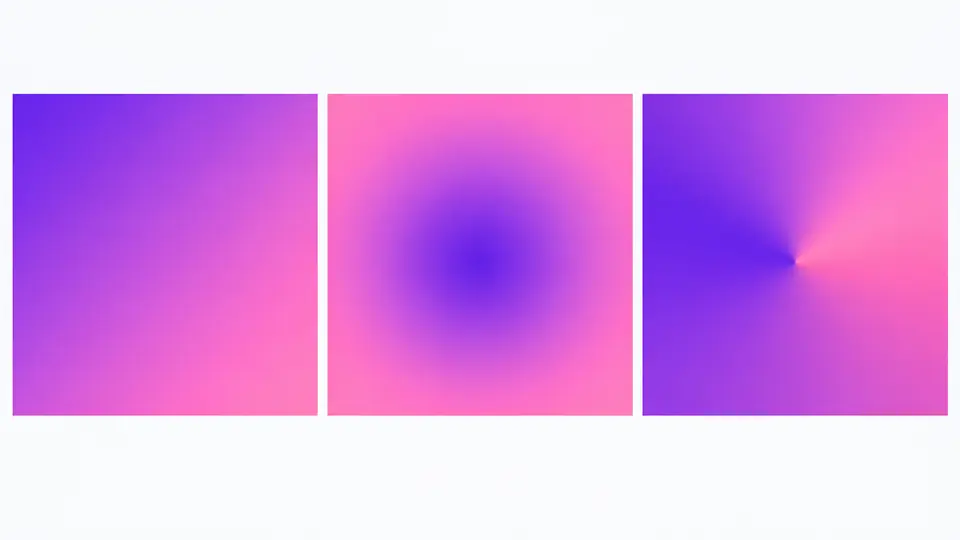
Linear uses an angle, radial uses a circle or ellipse and a center, and conic uses a starting angle around a center. Switching type preserves the same color stops.
HTML / CSS tools
Adjust colors, stops, angle, or center; the preview and copyable CSS update together.
background-image: linear-gradient(90deg, #6366F1 0%, #EC4899 100%);A CSS gradient generator helps when a design needs more than two preset colors: you can place each stop precisely and see how a hard edge or soft transition will render before touching your stylesheet.
Use this CSS gradient generator for a hero background, button, card, or conic color wheel. The same stops stay in place when you switch geometry, so comparing alternatives takes seconds.
Compare geometry and edit the actual stops instead of guessing from a code sample.
The CSS gradient generator keeps your colors and percentages while you switch between linear, radial, and conic previews. The angle or center controls appear only where they apply.
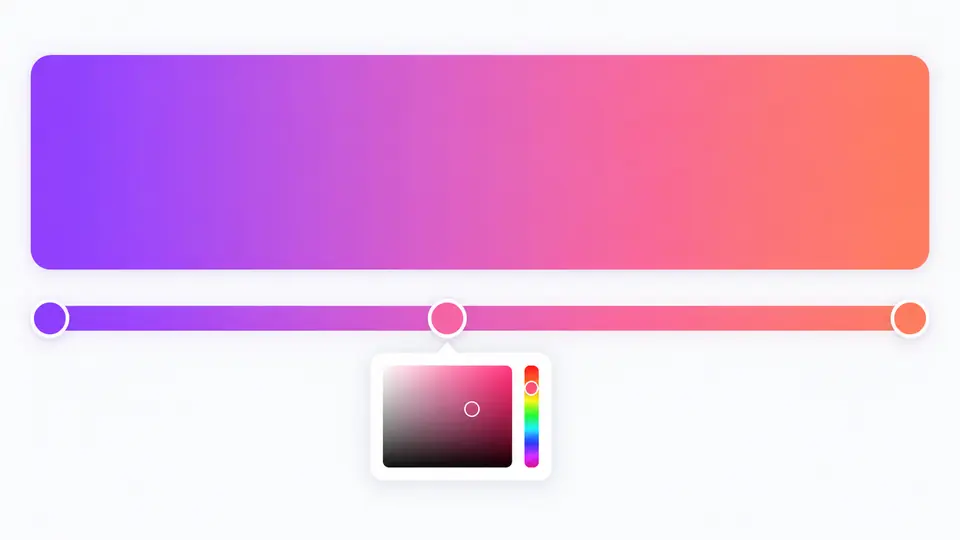
Move a handle or enter an exact position and the CSS gradient generator redraws both preview and declaration. Invalid color text leaves the previous CSS marked stale, so you cannot copy it by mistake.
Linear uses an angle, radial uses a circle or ellipse and a center, and conic uses a starting angle around a center. Switching type preserves the same color stops.
Drag a handle or enter a percentage. Two stops at the same position create a sharp edge; the CSS output sorts stops by position while keeping tied colors in their edit order.
Auto generation is on by default. Turn it off to edit several values before generating with Ctrl/Cmd+Enter; while a result is stale, Copy stays disabled.
Make a directional fade, center-out glow, or circular sweep without changing the color stop list.
Pick a six-digit HEX color, set opacity and percentage, and drag each handle for a fast visual adjustment.
Copy a background-image declaration that matches the live preview; transparent stops become rgba values.
Click Add stop in the CSS gradient generator. It inserts a color halfway through the largest gap; then drag its handle or edit its percentage. You can keep two to eight stops.
Linear follows an angle, radial spreads from a center, and conic rotates around a center. This CSS gradient generator lets you compare the same palette in all three types.
In CSS, 0deg points up and 90deg points right. The radial mode has no direction angle; conic uses a separate starting angle.
Yes, after copying the CSS you can apply background-clip: text and make the text fill transparent. This editor previews a background block, not text clipping.
Yes. Paste the copied background-image declaration into a style rule. The output uses standard CSS gradient functions and needs no image file.
Found a gradient edge case?
Return to the color stops, adjust the shape, and copy the declaration when the preview matches your design.