01
Name the wrapper deliberately
The root name is always an added wrapper. A root object with one property still keeps that property below the wrapper. Arrays use the item name at every level; check that this layout matches the consuming system.
JSON tools
Try the example’s attribute, text field, empty array and null. Adjust the mapping before exporting.
Processed in this browser. Your input is not uploaded or stored.
Result is out of date; export is disabled.
JSON to XML is useful when a service returns objects and lists but an integration accepts an XML document. The receiving system decides which names and namespaces belong in that document; conversion alone cannot discover its contract.
This converter keeps the chosen root around every input, even a single scalar. It exposes the mapping choices instead of treating one library’s conventions as a universal format standard.
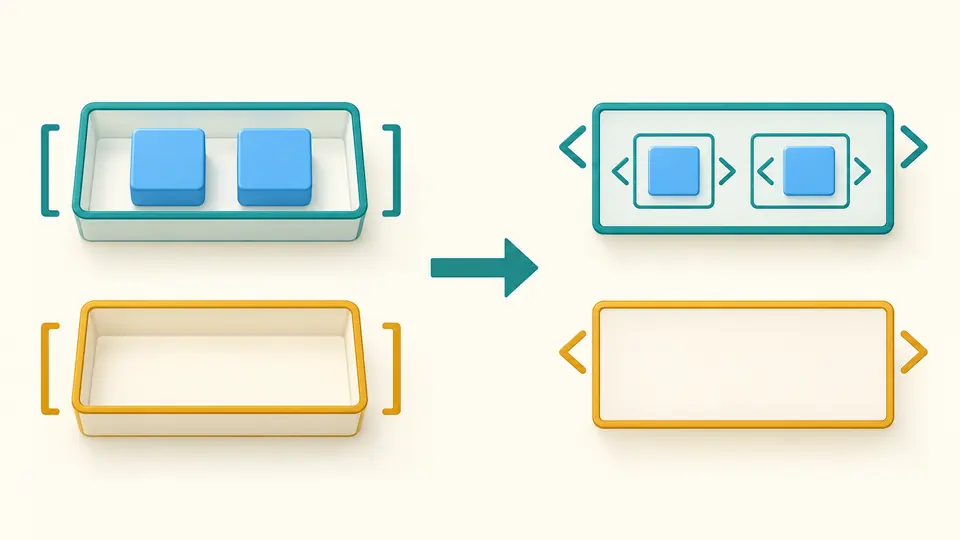
JSON to XML places a list inside its named container and writes each member as an item element. An empty list keeps its container. A nested list keeps another level, so changing the item name never removes an array boundary.
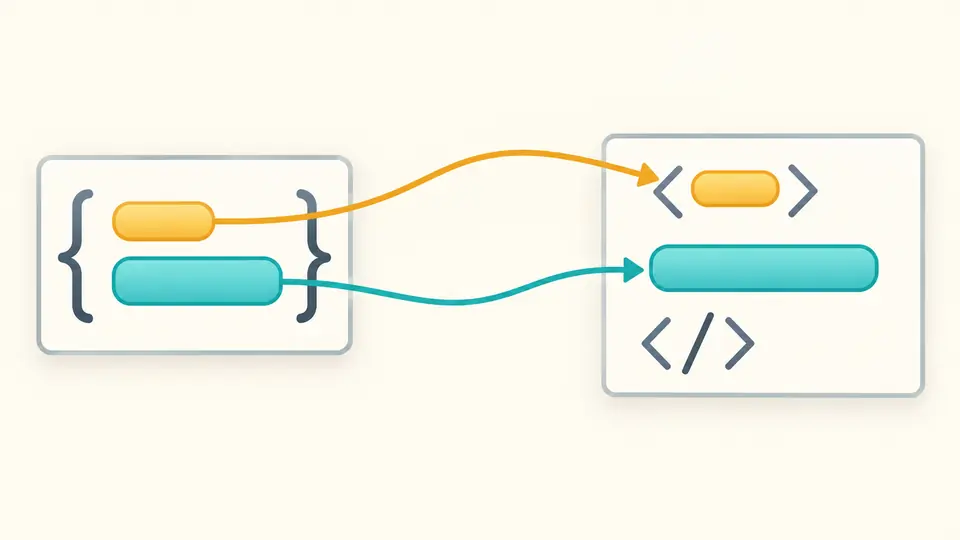
A prefixed field such as @id becomes an attribute; #text supplies the element’s text. An object can combine those two roles. The converter refuses text mixed with child elements because JSON member order cannot express arbitrary mixed content.
The root name is always an added wrapper. A root object with one property still keeps that property below the wrapper. Arrays use the item name at every level; check that this layout matches the consuming system.
Mapping starts enabled with @ and #text. Both markers can be changed. Disabling mapping makes all keys element names, so a remaining @id or #text fails name validation rather than disappearing.
Auto-convert waits 350 milliseconds. Turn it off to adjust several options, then use Convert or Ctrl/Cmd+Enter. Editing input or an option disables export immediately; the preview lists the first 500 nodes in batches of 50.
Choose any valid XML 1.0 local name for the root and array items. A nonempty default namespace URI is declared once at the root and applies to all elements. Unprefixed attributes remain outside that namespace.
The default writes xsi:nil="true" and declares the xsi namespace automatically. Reject mode stops at the first null. Empty strings, empty objects and empty arrays still produce present, empty elements; they are never omitted.
Integer and decimal tokens are emitted from a lossless JSON syntax tree: 9007199254740993, -0 and 1e999 stay as written. XML special characters are escaped. Attribute tabs and line breaks use character references to survive XML normalization.
The output is parsed as XML 1.0 with namespace checks, then element names, attribute values and text are compared against the mapped tree. Choose two spaces, four spaces or compact output, with an optional UTF-8 declaration.
Each array is a container whose children use your item name. A property called orders becomes an orders container, and an empty orders list remains an empty element. This differs from repeating the property name directly; check your schema before using the result.
CDATA is useful when a reader prefers literal markup inside text, but it is not needed to preserve the text value. This JSON to XML converter uses entity escaping and does not generate CDATA sections or interpret strings as XML fragments.
An element has its own place in the tree; an attribute belongs to an element’s opening tag. Use @id for an attribute and #text for body text with the default mapping. The tool does not automatically turn every scalar into an attribute.
This page checks well-formed XML and namespaces only. An XSD validator also needs the receiving system’s schema, including whether an element is nillable. A successful conversion does not establish those business requirements.
Conversion stops and reports the path. Rename the field yourself or change the root or item name option. JSON to XML online should not hide a key collision by normalizing two different names into the same XML name.
Does your XML document expose a mapping edge case?
Use JSON to XML to inspect the sample, then set the root and namespace required by your integration.