01
Compare the two examples
The default example works as a compact object. The mixed example deliberately stops in that mode; switch to Ordered to see text, element and text in the content array.
JSON tools
Try repeated items and attributes, or load the mixed-content example to compare the two output models.
Processed in this browser. Your input is not uploaded or stored.
Attributes and qualified names are always retained. Text values stay strings.
Result is out of date; export is disabled.
XML to JSON is useful when an XML response needs to feed an API, a test fixture or a script that reads objects. A tag name alone cannot tell you whether its value is a number, an identifier or a list.
This converter keeps values as strings and makes the structural choice explicit. A compact object suits data records; an ordered document suits text interleaved with elements. Neither model promises the original XML bytes.
XML to JSON groups adjacent repeated children into arrays. Enable the single-child array option when a consumer expects a list even for one item. The document root stays a named property.
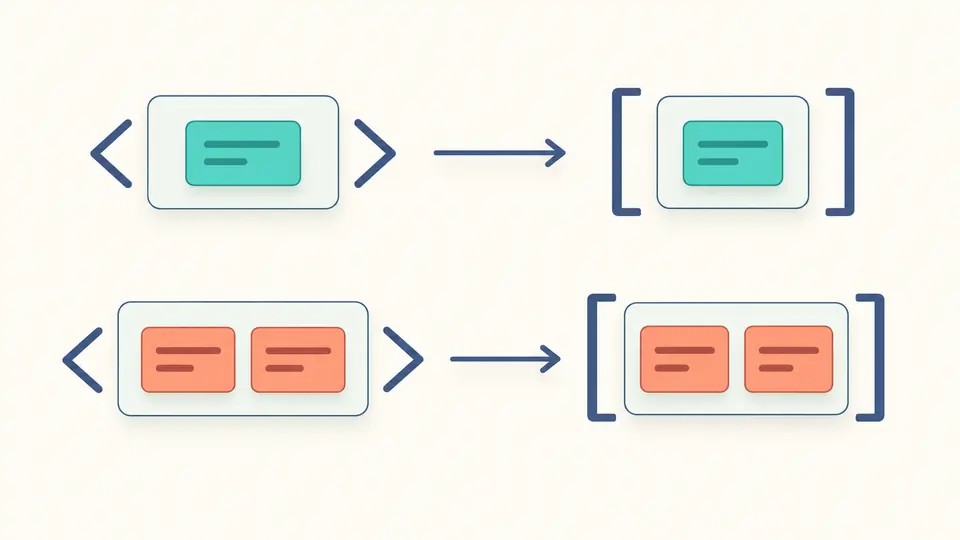
The compact model refuses text mixed with elements and a,b,a sequences. Select ordered content to retain those positions as typed nodes instead of exporting a silently rearranged object.
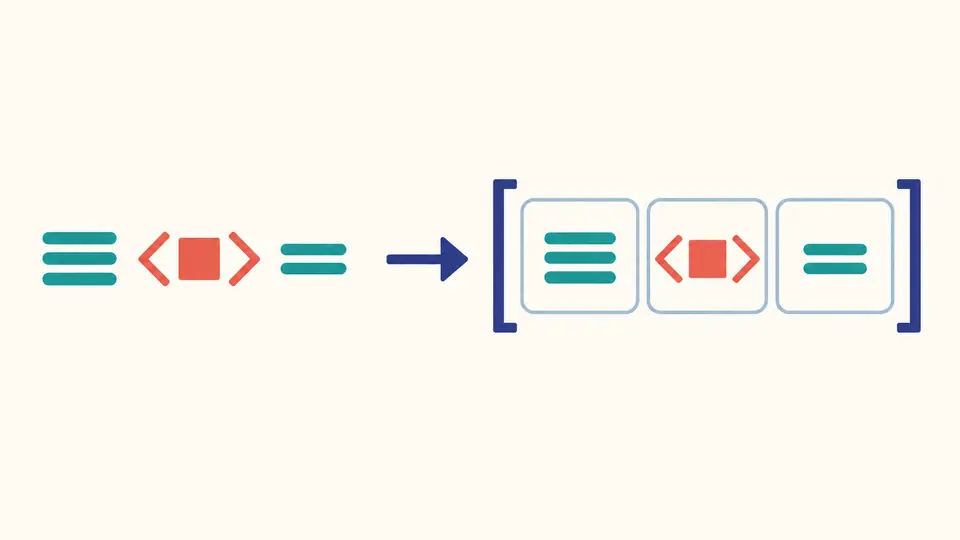
The default example works as a compact object. The mixed example deliberately stops in that mode; switch to Ordered to see text, element and text in the content array.
Leaf text is never trimmed. Formatting whitespace between elements is ignored by default, but xml:space="preserve" overrides that rule. Retaining all whitespace may require ordered mode.
Automatic conversion waits 350 ms. Turn it off for several edits, then press Convert or Ctrl/Cmd+Enter. Any edit immediately disables export until the current document succeeds.
Compact output uses @id for an attribute and #text for a leaf with attributes. Prefixes and xmlns declarations remain intact; p:item and q:item are distinct keys. Ordered elements also include namespaceURI.
Ordered output contains type-tagged elements, text, CDATA, comments and processing instructions in content arrays. The XML declaration is separate metadata. Compact output combines text and CDATA values but refuses comments and instructions.
The values 001, 12.00, true and 9007199254740993 remain strings. Empty elements become empty strings in compact mode. No schema is available to infer booleans, nulls or safe numeric types.
By default, only repeated adjacent names become arrays. Enable the single-child array option for every child element to use an array, even when it occurs once. It affects compact output only; the root wrapper is unchanged.
Names keep their prefixes, and namespace declarations remain attributes. Ordered nodes additionally expose the resolved namespaceURI. The converter does not merge aliases or strip prefixes, so it does not silently combine different names.
Yes in ordered mode: text and elements share one content array in source order. Compact XML to JSON stops with a clear error for mixed content or a,b,a rather than silently flattening those positions.
The input limit is 500,000 characters, not bytes. Depth, node count and generated output also have limits. A short but deeply nested document or a large pretty-printed result can therefore fail before reaching the input limit.
Ordered mode retains comments and CDATA as separate typed nodes. Compact mode refuses comments; CDATA becomes ordinary text with the same parsed value. This changes its lexical representation, not the contained characters.
Found an unexpected result?
Use XML to JSON to compare the example’s attributes and repeated items, then choose the output model your receiving application understands.