01
Choose encoded URL or raw key
An address containing %252F decodes once to the literal key text %2F. In fields mode, enter the literal key; typing %2F there produces %252F in the generated URL.
Cloud utilities
Parse an S3 address or build one from a bucket and an unencoded key. Signed inputs remain unchanged.
Addresses stay in this browser. No S3 or endpoint request is sent.
An explicit URL region takes priority. The fallback does not locate your bucket.
Custom endpoints require path style and an HTTPS origin without a path, query or credentials.
Result needs updating; exports are disabled.
A copied object link and a storage configuration often describe the same object differently. The S3 URL converter makes the bucket and decoded key visible before you choose another addressing style. It keeps prefixes and repeated slashes intact, so a small formatting change does not quietly select a different object.
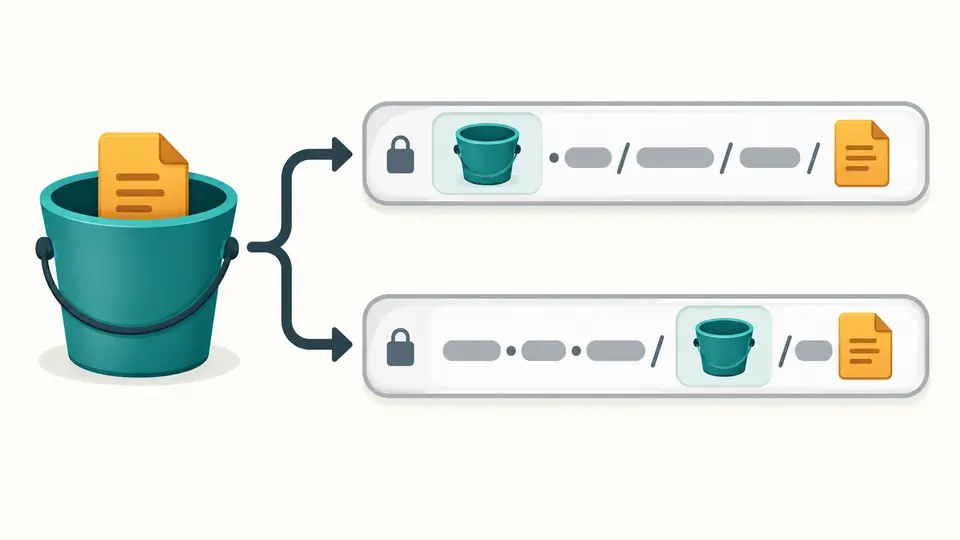
The S3 URL converter can move the bucket between the hostname and the first path segment. The key stays the same. This helps compare a virtual-hosted-style URL with an endpoint configuration that expects the bucket in the path.
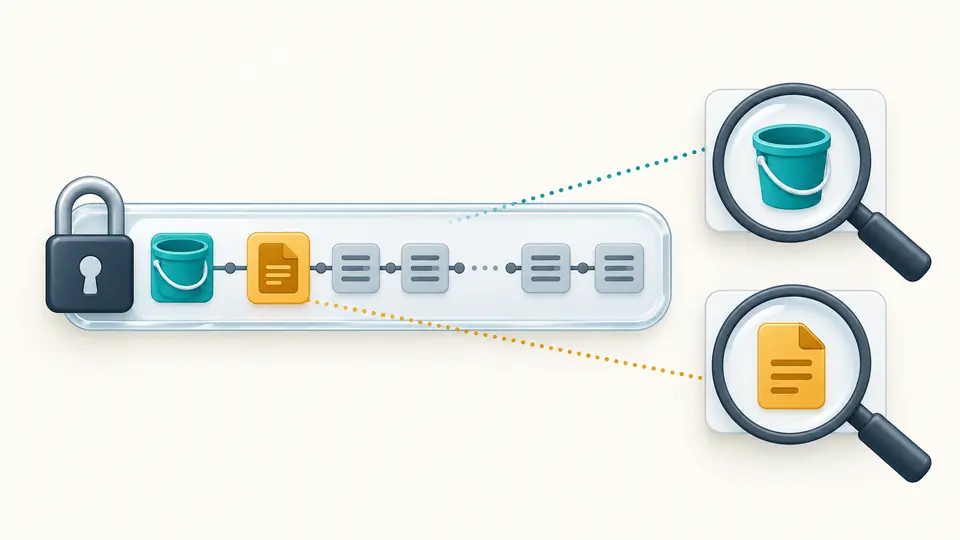
A credential-bearing query switches the result to inspection only. You can read the bucket and key and copy the original URL, but cannot export a rewritten S3 URI as if it preserved authorization.
An address containing %252F decodes once to the literal key text %2F. In fields mode, enter the literal key; typing %2F there produces %252F in the generated URL.
A regional input wins over the fallback. An s3:// URI or global endpoint contains no region; confirm the fallback yourself. A custom origin requires path style and does not discover a bucket location.
Changes immediately disable exports. Automatic conversion waits 350 ms; turning it off reveals Convert and enables Ctrl/Cmd+Enter. Replacing an example or clearing input first shows a preview and can be undone once.
Use HTTPS URL to S3 URI conversion for an unsigned standard AWS address, or enter bucket/key fields when no link exists. Empty keys represent a bucket root. No credentials or account identifier are needed to describe the object.
S3 URI to HTTPS URL conversion supports commercial and China domains. Standard regional, legacy s3-region and dualstack inputs are recognized. Output uses the selected regular addressing style; it does not claim to preserve dualstack networking.
Repeated names, parameter order, empty values, plus signs and percent-escape spelling remain untouched in HTTPS output. The separate URI deliberately omits the query. A JSON report retains the parsed fields and the original query for inspection.
In virtual hosting, the bucket appears before s3 in the hostname. Path style places it after the endpoint’s first slash. Both can identify the same bucket/key; permissions are separate. For a custom endpoint, this tool requires the bucket in the path.
Decode an address once to obtain its key. For example, a%20b means a b, while a%2520b means the literal a%20b. A plus sign remains a plus. Fields mode accepts the original key and encodes it on output.
Yes. Signature-related parameters trigger preservation mode, including incomplete credential-like queries. The original URL is returned byte for byte and the URI export is disabled. This does not check whether the signature was ever valid.
An object URL does not grant access. Check the intended identity, bucket and object permissions, and whether the object exists. Converting the spelling cannot make a private object public, and this tool performs no authorization check.
Temporary credentials can expire before the duration requested for a signed URL. A revoked credential or a policy condition can also prevent access. Generate a new signed link through your authorized AWS workflow; editing the old query will not extend it.
Need help with an address format?
Use the S3 URL converter to compare the decoded key with your storage configuration, then copy the address style your client expects.