01
Start with fixed bytes
The timestamp is filled once when the page loads; press Now (UTC) only when you want to refresh it. The AWS S3 example supplies a published dummy key and a known signature, with a preview before replacing your input.
Cloud tools
Enter the request as sent, then inspect each byte that enters the header signature.
Calculated in this browser. No request is sent. Use test credentials, never a production secret.
Enter a request URL to begin.
Reports redact the session token; a redacted canonical request cannot reproduce the signature.
A SignatureDoesNotMatch response rarely tells you whether the path, query, headers or payload changed. AWS SigV4 debugger exposes the exact canonical request and its hash so you can compare your signer with a fixed AWS response.
Use an AWS published dummy key or your own disposable test credentials. The workbench calculates locally and never sends the request, so the result explains HMAC inputs rather than claiming IAM access.
See the bytes behind a mismatch instead of guessing at credentials.
AWS SigV4 debugger sorts the query by encoded name and value, lowercases signed header names and keeps the empty query line. A plus sign, repeated parameter or extra header space becomes visible in the canonical request before you compare signatures.
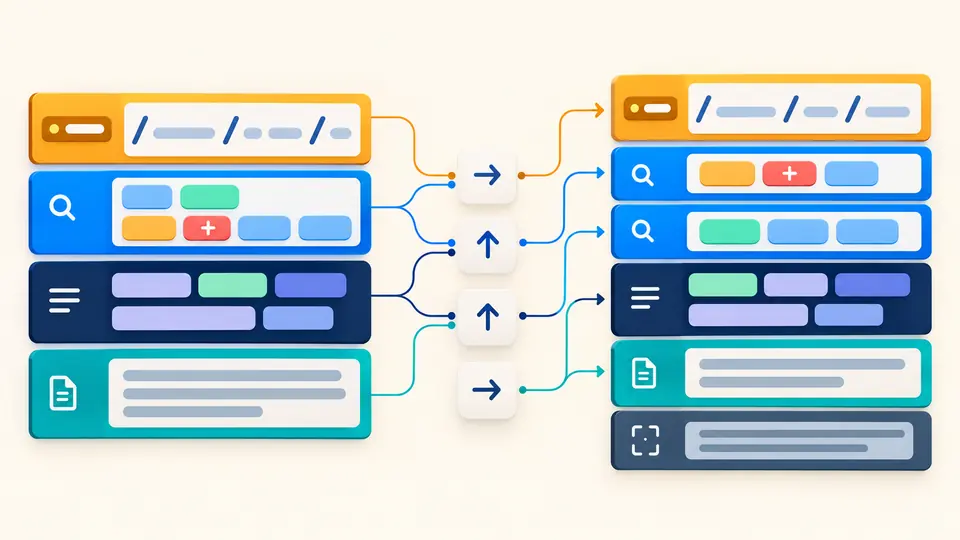
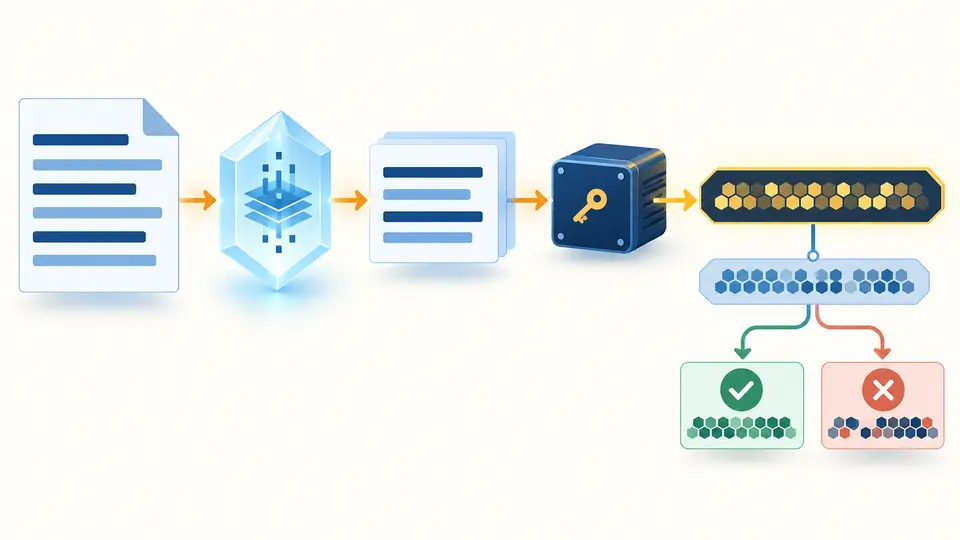
The AWS SigV4 debugger shows Canonical Request SHA-256, credential scope and String to Sign before an optional test signature. Paste a reference canonical request to find the first differing line, or compare a 64-character signature generated with disposable test keys.
The timestamp is filled once when the page loads; press Now (UTC) only when you want to refresh it. The AWS S3 example supplies a published dummy key and a known signature, with a preview before replacing your input.
Run manually or press Ctrl/Cmd + Enter. Check the URI, sorted query, normalized headers and payload hash in the canonical request. For S3, the x-amz-content-sha256 header is added from the selected payload mode.
A reference canonical request identifies its first differing section even without a secret. Enter disposable credentials only when you need to compare the final signature. Copy the exact canonical text separately; the general report redacts session tokens.
Build the six-line SigV4 structure from method, URI, sorted query, normalized headers, SignedHeaders and payload hash. Duplicate query names survive; plus is encoded as %2B rather than treated as a space.
See the SHA-256 of the canonical request and the date/region/service/aws4_request scope. A wrong region or service changes both the string and derived HMAC key.
Without a secret, the structural trace still runs. With a disposable key pair, it computes the Signature and Authorization header locally, without displaying the secret or intermediate signing keys.
Compare a pasted canonical request line by line and a 64-hex reference signature by value. A mismatch is diagnostic evidence, not proof that AWS accepted or rejected the request.
Compare the canonical request produced by your signer with the value returned by AWS, then compare the String to Sign. This AWS SigV4 debugger marks the first differing line in a pasted reference. Check method, URI encoding, query order, headers and body hash before changing test credentials.
First reproduce the exact HTTP request that reached the service. A proxy can change headers, path or query. Then verify timestamp, region, service and the paired key values using an AWS SDK or CLI if possible. A local signature match alone cannot prove authorization.
You can reconstruct and compare the canonical request, SHA-256 and String to Sign without any key. HMAC verification requires the corresponding secret. This page leaves the signature blank when the secret is absent rather than inventing a result.
An access error can have several causes and must be interpreted in the service context. This page never calls AWS, so it cannot decide the order of authentication and authorization checks for your endpoint. Use service logs and IAM tools for that question.
Some AWS error responses include the canonical request or String to Sign the service expected; SDK debug logs can also show the client versions. Paste the canonical text into the reference field here and inspect the first differing section. Avoid pasting live session tokens.
Still have a question?
Use the AWS SigV4 debugger with the published S3 example first, then compare your own disposable test request without sending it.