01
Start with the policy form
A single Statement object and an array are both accepted. Choose the trust example to see why a statement with Principal can omit Resource; a missing Resource in an ordinary identity-style statement is flagged.
Cloud tools
Inspect a policy document by statement, then compare the formatted JSON with a static report.
StringEquals · aws:RequestedRegion: ["us-east-1"]
Policy text stays in this browser; no AWS request is sent.
Statements: 1; errors: 0; review notes: 1.
When a policy spans several statements, IAM policy viewer lets you trace each Action, Resource and Condition without losing the original JSON. It is useful before a code review or while explaining a trust policy to a teammate.
A clean local result is a readable summary, not an authorization decision. Effective permissions also depend on other policies and the request context; this page has no account connection.
The IAM policy viewer keeps the original statement order and separates positive fields from NotAction and NotResource. Each Condition operator retains its keys and values, so a reviewer can compare the tree with the source rather than inferring a grant from a label.
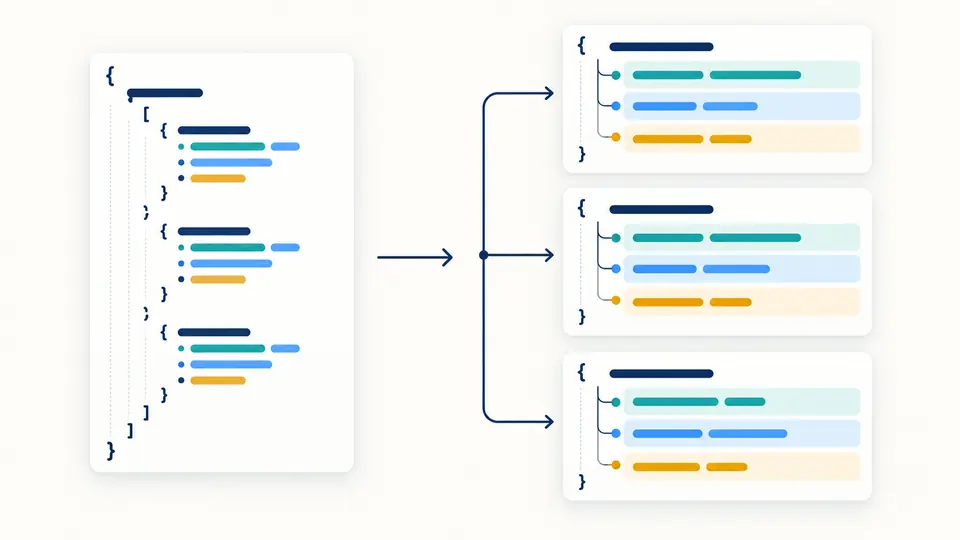
Mutually exclusive elements and malformed JSON are errors. Wildcards and reverse elements are review notes, since a star may be required by an AWS action. The report gives paths to findings but never awards a policy a safety badge.
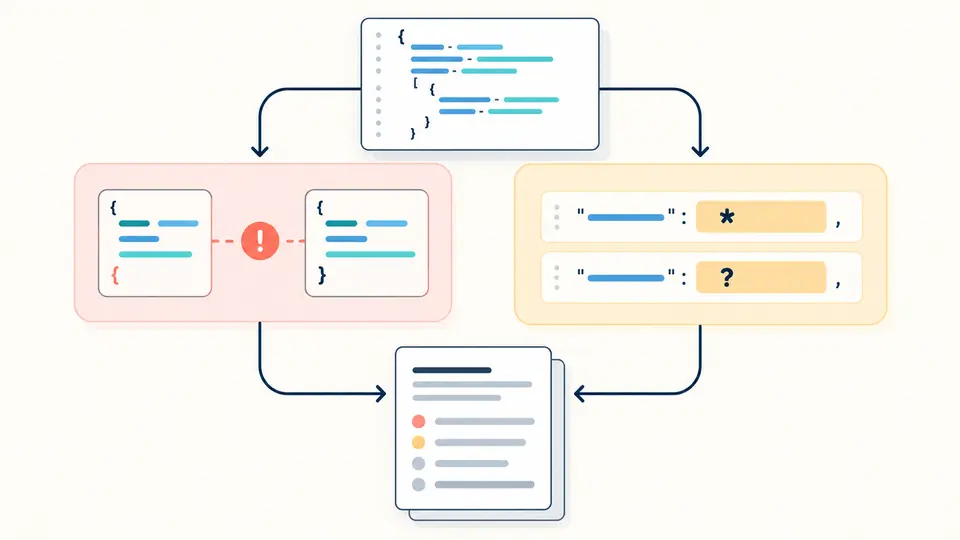
A single Statement object and an array are both accepted. Choose the trust example to see why a statement with Principal can omit Resource; a missing Resource in an ordinary identity-style statement is flagged.
The tree is the default view. Switch to formatted JSON to inspect the same values with two-space indentation, or to the report for paths and extracted elements. Changing indentation makes old exports stale until the current input is checked again.
The status counts errors and review notes separately. Download the policy JSON only when strict parsing succeeds; use the report JSON for the full set of statements and findings, including entries beyond the first 50 shown.
Each statement exposes Sid, Effect, Action or NotAction, Resource or NotResource, Principal and Condition. String and array forms remain distinct in the formatted JSON.
Strict JSON errors include line and column. Shape conflicts and missing fields carry JSON pointer paths in the report, so the relevant statement can be found without scanning an opaque warning list.
Formatting creates a separate output; it never rewrites the input. Duplicate keys and unsafe numbers block formatting instead of silently choosing a value or rounding a condition. An IAM policy validator connected to AWS may perform additional service checks; this local pass deliberately does not.
The report includes the static scope, extracted statements, all diagnostic codes and paths. Collapsing a tree node or showing only the first 50 entries does not truncate the downloaded data.
No. IAM policy viewer reads one document in isolation. AWS evaluates the request against other applicable policies and context, which are absent here.
No. Wildcards are legal in many policy positions. This tool marks them for review and keeps the literal Action or Resource value; whether the scope is appropriate depends on the service and intent.
No. Parsing and formatting run in your browser without an AWS call. This page does not request credentials or send policy text for an LLM analysis.
Identity and resource-style JSON policies can be inspected as documents, including role trust statements. The viewer checks common structure but does not certify every policy type or validate service-specific rules.
No. The notes cover a bounded set of structural and wildcard checks. Use AWS Access Analyzer and a review of the surrounding account and organization policies for a broader assessment.
Still have a question?
Use the tree to inspect what this document says, then verify real access in the appropriate AWS context.