
JSON tools

JSON to CSVchoose exactly what becomes a column

Paste an object or object array. The preview updates automatically as you adjust fields and output options.

JSON to CSV

JSON input

Processed in this browser. Your input is not uploaded or stored.

CSV result

Convert to preview rows.

Output options

Select and order columns

Fields are discovered on conversion. Paths use JSON Pointer. Changing input or structure resets selection; other options keep it.

Changes detected. Updating the result…

An API response often contains fields that appear only in the last record. JSON to CSV should collect those fields before you select the columns; copying the first object’s keys is not enough.

This JSON to CSV converter scans all records and retains numeric spelling. Compare the table with the original document before handing an export to a spreadsheet user.

Why use this JSON to CSV converter

Keep separate paths separate

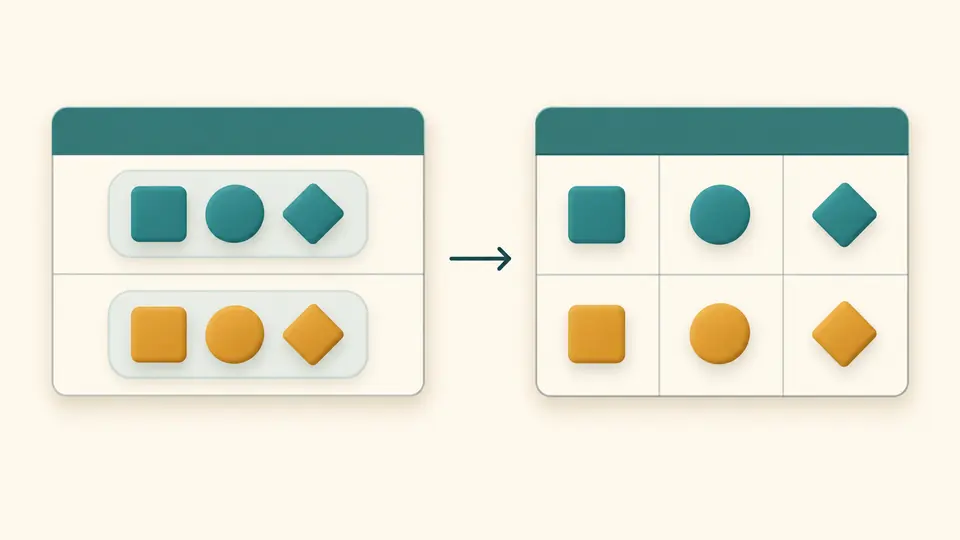
For nested JSON to CSV, /user/name identifies a nested value while /user.name identifies a literal dotted key. JSON Pointer also escapes slash and tilde, so flattening does not silently merge those columns.

Nested object branches mapped to distinct, selected table columns

Choose how arrays occupy the table

The JSON to CSV tool keeps arrays as compact JSON in a single cell by default. Indexed mode gives each position its own column. Both modes preserve the number of parent records; neither multiplies rows.

An array kept inside one cell or split across indexed columns without adding rows

Choose the shape before exporting

01

Discover fields before selecting them

The first conversion builds a union of fields from every record. Uncheck columns and use the arrows to order them. Changing the JSON or its flattening strategy resets that selection so old paths cannot silently filter new data.

02

Choose automatic or manual updates

Auto-convert is on by default. After you stop editing for 400 ms, input, options and column changes refresh the result. Turn it off to use Convert or Ctrl/Cmd + Enter. Copy and download stay disabled until the result is current.

03

Inspect more than the first screen

Table preview starts with 50 rows and can reveal another 50 at a time. Copy and download include all rows, not just those visible. BOM is added only to the downloaded file; the clipboard contains plain CSV text.

Control fields and spreadsheet output

A complete field list

Columns follow first appearance across the whole input. A missing field and an explicit null become empty cells; false and zero remain visible values. A single root object is treated as one record.

Quoting that keeps cells intact

A delimiter, double quote or line break triggers double-quoted output, and internal quotes are doubled. Empty cells are quoted as well. Force quotes when a downstream importer expects every cell enclosed.

CSV and TSV from the same records

Choose comma, semicolon, tab or pipe. Records use CRLF line endings. Tab selects a .tsv download; other separators produce .csv. Optional UTF-8 BOM helps spreadsheet programs recognize the encoding.

Numbers remain source text

The parser keeps large integers, exponent notation and decimal spelling without converting them through JavaScript numbers. Strings such as 007 also stay intact in the export, although a spreadsheet may reinterpret them on import.

Where a text table loses information

Strict records, not arbitrary documents
Only an object or an array of objects is accepted. Extract a wrapped API array yourself. JSONL, JSON5, comments and duplicate keys are rejected; there is no repair, URL fetching or file-upload workflow.
Arrays never create extra rows
There is no pivot or row explosion. Empty nested objects and arrays remain {} and [] text. Turning off object flattening keeps objects as JSON cells; indexed array mode still expands array positions.
CSV is not a typed workbook
No XLSX output, date conversion or type inference is applied. Null, absent values and empty strings share the empty-cell representation. Keep the original JSON if you need its types or an exact round trip.
Formula warnings do not sanitize
Potential formula prefixes are counted, including control characters and full-width variants. Values are not changed. Quoting alone does not make spreadsheet formulas safe; review untrusted exports and import them as text.
Bounded conversion, complete output
Limits are 500,000 input characters, 50,000 nodes, depth 100, 10,000 rows, 200 discovered columns, 100,000 output cells and 2,000,000 output characters. Exceeding a limit stops conversion rather than exporting a partial table. Empty objects have no selectable columns; [] has no downloadable rows.

JSON to CSV questions

How can nested objects become CSV columns?

Enable object flattening. Each leaf receives a JSON Pointer header such as /address/city. Disable it to keep that object as compact JSON text. Empty containers remain visible as {} or [].

Can arrays use columns without duplicating records?

Yes. Choose indexed columns for paths such as /tags/0 and /tags/1. JSON to CSV does not duplicate parent rows. Leave the default mode selected to retain each array in one cell instead.

What if later records have additional keys?

The converter discovers the union of keys across every record in first-seen order. Later fields appear in the column list; earlier records receive empty cells for fields they do not contain.

How are missing values exported?

Missing values and explicit null become empty cells, as do empty strings. Zero and false are preserved. This is why CSV cannot fully recover the original JSON types.

Will Excel change long numeric identifiers?

The exported digits are preserved, but Excel may infer a number, drop leading zeros or round long IDs. Import those columns as text instead of opening the CSV with automatic type detection.

Found an edge case this converter gets wrong?

Prepare your next export

Use JSON to CSV to prepare the fields your recipient actually needs. Run the example, inspect the array policy and column order, then export the complete result.