01
Give the default namespace an alias
For XML with xmlns="urn:books", enter {"b":"urn:books"} and use //b:book. An unprefixed //book only matches elements without a namespace.
XML tools
Run with the button or Ctrl/Cmd+Enter. Choose a result view, then evaluate again when inputs change.
XML and queries are processed in this browser; no document is sent to a server.
Use an ASCII prefix, e.g. {"b":"urn:books"}; the XML prefix itself may differ.
XPath 1.0; manual execution with Ctrl/Cmd+Enter. Scalar JSON values use strings to preserve NaN and Infinity.
Result is out of date; run again to enable export.
An XPath tester helps when a query works on a small example but stops matching a real XML feed. Often the difference is a default namespace, an attribute condition or the context of a descendant search.
This XPath evaluator keeps the source intact. Use the XPath expression tester to compare nodes with their string values, or test XPath online before carrying the expression into a browser script.
The XPath tester separates selected elements from their text. Two title nodes can produce two serialized fragments, two values or two absolute paths; changing views does not silently rewrite the source.
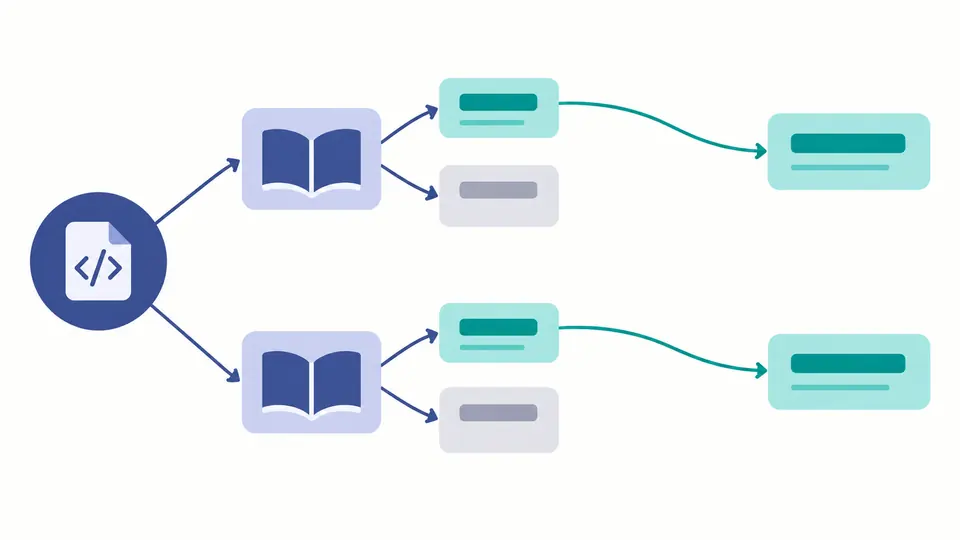
A prefix is only an alias. Bind b to urn:books and query //b:book even when the XML uses a different prefix. Same local names in another namespace remain separate.
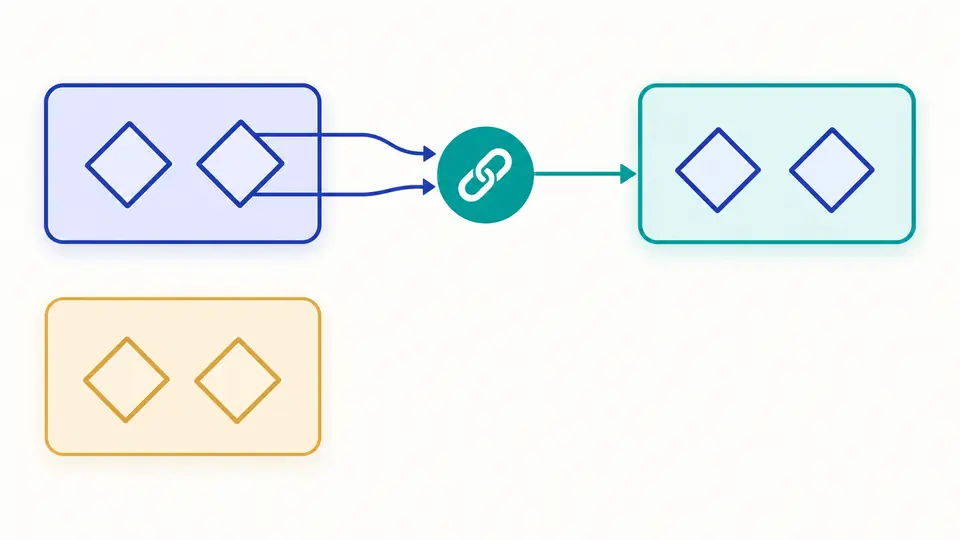
For XML with xmlns="urn:books", enter {"b":"urn:books"} and use //b:book. An unprefixed //book only matches elements without a namespace.
Text view uses the complete XPath string value of each selected node. In mixed content, //title/text() selects direct text nodes while //title with Text view includes descendant text.
Editing XML, the expression, mappings or view disables exports. Run again, including after a view change. Preview shows 50 results at a time; copy and download contain the full successful result.
Queries can return a node set, string, number or boolean. count(//book), string(//title) and boolean(//missing) retain their type. JSON values are strings, including numeric NaN and Infinity, so export never silently turns them into null.
Use //book[@id="b1"] to filter elements, //@id to select attributes, and //book[price>15]/title for a numeric predicate. Zero matches are a valid result, with count 0 and an empty values array.
Paths include sibling positions. Namespaced elements use local-name() and namespace-uri() so the generated path does not depend on your current prefix mapping. Paths are tied to this document; editing its structure can change positions.
No. The actual evaluator is the browser’s XPath 1.0 engine. Functions such as matches() require a different engine; do not interpret a rejected expression as an XML error.
Use //book[@id="b1"] to select a book by attribute, or //book/@id to return its attribute value. Attribute names are case-sensitive, and unprefixed attributes do not inherit a default namespace.
A single slash selects the next step directly. A double slash searches descendants from that location: /library/book is anchored to the root, while //book can match books deeper in the document.
Yes. string(//title), count(//book) and boolean(//book) return typed scalar results. Export records the type and a string value; false, an empty string and NaN are successful values, not missing results.
A default namespace also applies to unprefixed element names in XML, but not to unprefixed names in XPath 1.0. Bind an alias to the URI and use that alias in your expression.
Found an unexpected result?
The XPath tester gives you a repeatable query, explicit namespace bindings and a result whose type is visible. Keep the successful expression alongside the XML sample when investigating a mismatch.