01
Start with NFC and compare the four checks
NFC is selected by default, but all four forms are checked together. An accent may look unchanged while its code point sequence changes. The summary calls out forms that already match the input.
Unicode and Internationalization
Compare all four forms against the original, then inspect the selected result before using it.
Preview shows at most 4,000 characters; copy and download include the complete result.
Text is processed in this browser and is not uploaded.
Up to 10,000 UTF-16 units. Oversized input is rejected without truncation.
Normalization uses this browser's Unicode implementation; no fixed Unicode version is claimed.
Enter text or choose an example.
When two names look identical but a search or equality check fails, the stored Unicode sequence may differ. This Unicode normalizer makes a precomposed accent and its decomposed equivalent visible instead of guessing from the rendered glyph.
The Unicode normalizer also exposes compatibility mappings that can alter presentation or meaning. Start with NFC for ordinary text, examine the changed code points and bytes, and apply a result to the input only after you review it.
See the sequence behind a familiar looking string.
A Unicode normalization checker should show which forms already match the original. Here NFC, NFD, NFKC and NFKD run independently on the same input; selecting one reveals its exact output without chaining transformations.
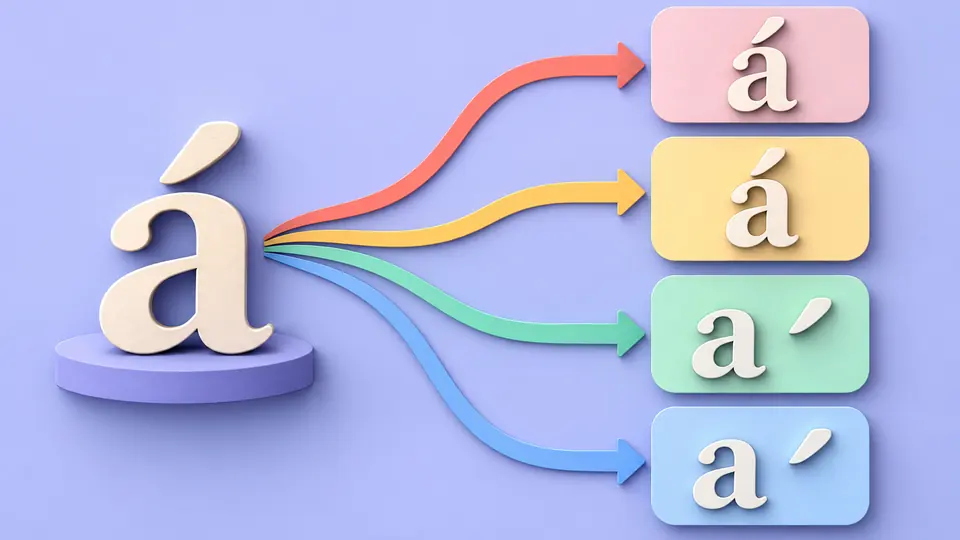
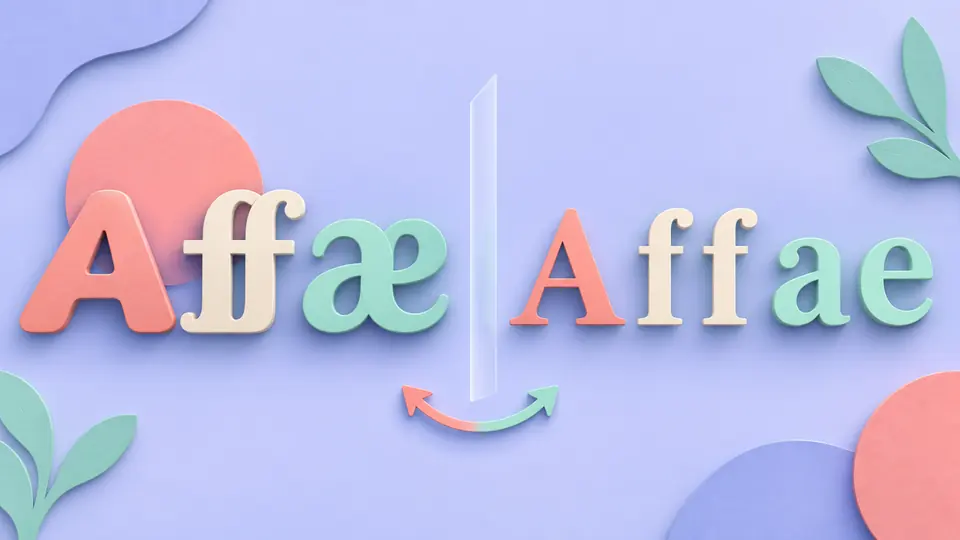
A ligature or fullwidth letter can become ordinary letters under NFKC or NFKD. The Unicode normalizer marks changed ranges and shows U+ values and UTF-8 bytes, while the input stays intact until you confirm a preview.
NFC is selected by default, but all four forms are checked together. An accent may look unchanged while its code point sequence changes. The summary calls out forms that already match the input.
Whole text retains its line endings. Line mode treats each logical line as a separate record, preserves empty rows and joins the results with LF. It accepts 500 records; use whole text when exact original separators matter.
The highlighted range is a sequence change, not a one-character mapping. Read U+ values and UTF-8 bytes, then copy or download the full result. Turn off automatic checking to run manually with Ctrl/Cmd+Enter.
An NFC converter and NFD converter are useful for different storage expectations. The summary shows whether each form would change the original and reports its code point and byte totals.
Inspect changed code point sequences as U+ values and their UTF-8 bytes. Composition and decomposition can involve several input and output code points, so the tool groups edits into ranges.
Copy and download use the complete selected result even when the visual preview is shortened. Applying to input requires a before-and-after preview, and one undo restores both input and prior results.
Paste text and select NFC or NFD. The Unicode normalizer checks all forms against the original and displays the selected result. NFC composes where possible; NFD decomposes canonically. Copy the result or preview a replacement before applying it.
NFC and NFD use canonical equivalence, with composition or decomposition. NFKC and NFKD also apply compatibility mappings, which may remove width, ligature or superscript distinctions. The four outputs are calculated independently.
A glyph such as é may be stored as one precomposed code point or as e plus a combining accent. Display can look the same while code points and UTF-8 bytes differ. The highlighted comparison makes that difference visible.
No. Checking, diffing, copying and download creation run in your browser. The page does not send the input to a conversion server.
It does not strip accents, fold case, detect spoofing, upload files or use a fixed Unicode normalization data version. Line mode accepts pasted records rather than a CSV or JSON file.
Still seeing an unexpected sequence?
Start with a small fragment that fails a comparison, inspect all four forms, and keep the original until you choose a result.