01
Prefer the original file when it survives
File and Hex mode retain real bytes and report zero-based UTF-8 error offsets. A text paste only contains the characters your browser received, so it cannot provide historical byte positions.
Unicode and Internationalization
Compare repair paths against the untouched text or original bytes.
Enter text, paste Hex, or choose a file.
Text and file bytes are processed in this browser; nothing is uploaded.
Input or settings changed. Waiting for a fresh analysis.
Candidates are guesses. Reversibility does not prove which reading is historically correct.
A mojibake fixer helps when a name becomes café after a file is opened with the wrong character set. Start with the smallest broken passage, then compare candidates against words you know should be present.
If you still have the file, use its bytes instead of a pasted replacement string. That lets you fix garbled text by reinterpreting the source, while keeping a copy of the exact bytes that caused the problem.
Keep the evidence visible while trying a different interpretation.
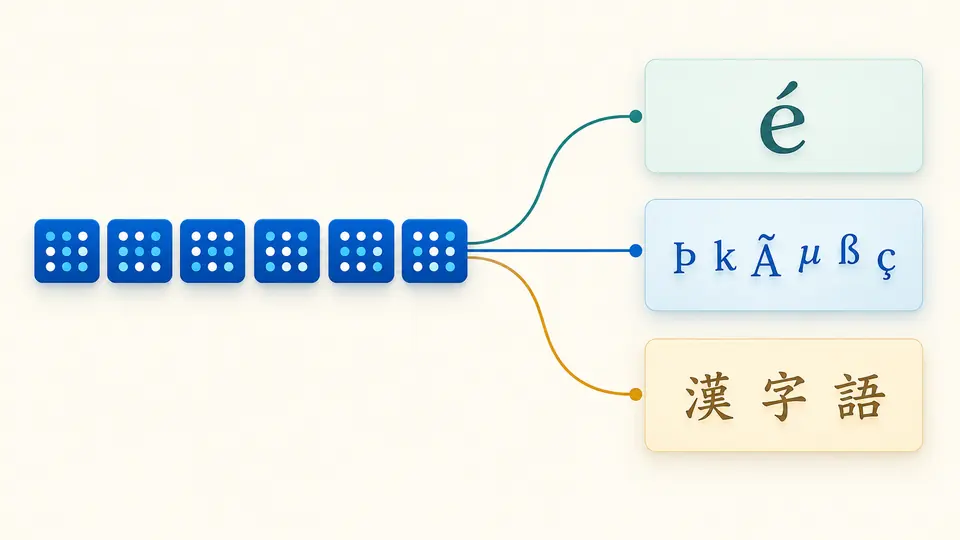
The mojibake fixer keeps a local file or Hex sequence intact while UTF-8, GBK and other decoders produce separate previews. A readable preview is a hypothesis; the original bytes remain available for a second look.
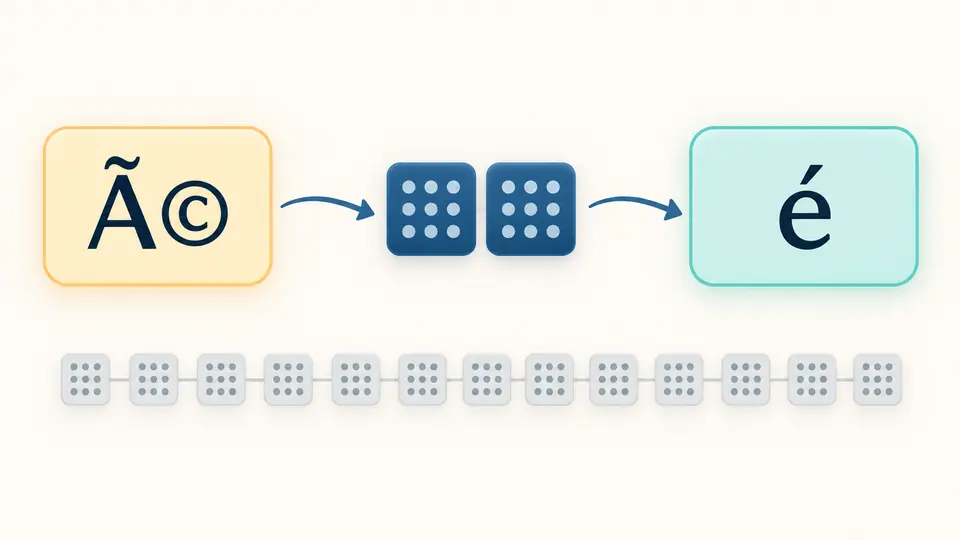
For pasted café, the tool maps the visible characters back through the selected mistaken encoding and then decodes those bytes as the intended encoding. It shows the assumed chain instead of silently replacing your input.
File and Hex mode retain real bytes and report zero-based UTF-8 error offsets. A text paste only contains the characters your browser received, so it cannot provide historical byte positions.
Automatic mode tries reversible paths. In manual mode, Written as names the original encoding and Read as names the mistaken interpretation; changing either setting refreshes candidates after a short pause.
A reversible chain only reproduces the current string when run backward. Check names and punctuation yourself; copy or download is disabled whenever the input or options make the previous result stale.
For a file or Hex input, invalid lead, continuation, truncated and out-of-range bytes are reported by offset. This helps fix broken UTF-8 without pretending a pasted string still contains those bytes.
The candidate list covers Windows-1252, Latin-1, Cyrillic and common East Asian readings. It can expose double-encoded text without automatically choosing a supposedly certain original.
Switch decoders without altering the source array. Download the original byte copy separately from the selected UTF-8 text, so a failed guess does not erase evidence.
Text is often corrupted when bytes written in one encoding are decoded with another. Try the original file bytes when possible; a pasted string may have passed through several conversions already.
No. A missing byte cannot be inferred reliably after it becomes � or ?. Compare candidates with context, and return to the source export if the needed bytes are gone.
Analysis never rewrites input. Choosing a candidate changes only the preview; copying or downloading creates a separate result, and you can also save the untouched original bytes.
Work on a small broken excerpt first. The page does not find and rewrite mixed encodings across an entire document or database; a long file may contain distinct regions.
The selected chain may be wrong, the text may have suffered more than one conversion, or a replacement character may already have erased data. Review another candidate and the original bytes.
Still seeing a broken fragment?
Use this mojibake fixer to compare the likely readings, then save only the candidate that matches your real context.